Fathom
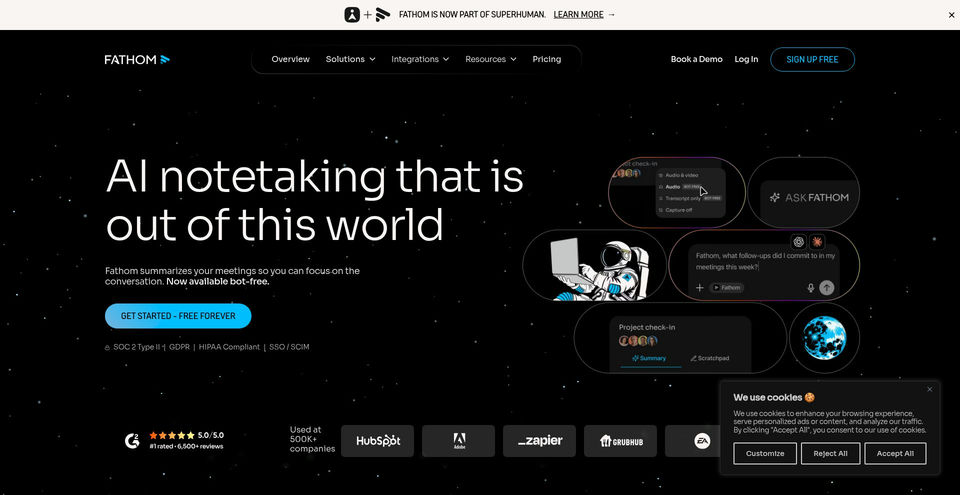
AI meeting notetaker for recordings, transcripts, summaries, and action items.
Qu’est-ce que Fathom ?
Fonctionnalités clés et points forts de Fathom
Comment l’utiliser
- 1Create a Fathom account and connect a Google or Outlook calendar plus a compatible conferencing account.
- 2Choose bot-based meeting capture or, on Mac, one of the bot-free capture modes.
- 3Obtain required participant permission before a meeting is recorded, then review the transcript and AI summary after the call.
- 4Search or ask questions about calls, and connect supported CRM, collaboration, or AI tools to share selected meeting information.
Cas d’usage et idées
- Create meeting transcripts, summaries, and action items.
- Find decisions and recurring themes across sales, customer-success, marketing, product, or internal calls.
- Share call summaries and follow-up tasks with CRM and collaboration tools.
- Record and summarize in-person meetings with the iOS app.
Limites et points à connaître
- Using the service requires logging in and connecting a Google or Outlook calendar and an active video-conferencing account; no meeting account was connected during this review.
- The bot-free capture feature is available on Mac; the overview says Windows support is on the way. Fathom does not capture phone calls.
- Terms require the user to obtain the necessary consent of every meeting participant before recording; recording laws may require everyone’s consent.
- Pricing page monthly and annual selector values conflict with its “save 25%+” label: annual selection displays higher per-month rates than monthly selection. Confirm the amount at checkout.
- The service is limited to users at least 18 years old. Meeting content may include attendees’ names, emails, audio, and video.
- Terms say de-identified content may be used to train or improve Fathom’s in-house AI models; account settings provide an opt-out. Third parties are not authorized to train on the data under the terms.
- Privacy policy says account deletion requests are generally processed within 30 days; Team, Business, and Enterprise users must contact their organization’s administrator.
Questions fréquentes sur Fathom
Fathom records and transcribes supported meetings, creates summaries and action items, and lets users search or ask questions about their meeting history.
The current product overview lists Zoom, Google Meet, Microsoft Teams, and Slack huddles. The iOS app can capture in-person meetings, but not phone calls or virtual meetings.
The pricing page lists free, unlimited recordings and transcriptions, bot or Mac beta bot-free capture, instant summaries, clips, playlists, and search. Paid features include advanced summaries, action items, and a conversational meeting assistant.
The pricing page’s Monthly selector showed Premium $16/month, Team $15/user/month (2-user minimum), Business $25/user/month, and Enterprise $35/user/month (annual only). The Annually selector displayed $20, $19, $34, and $35 respectively, despite a “save 25%+” label. Verify current checkout pricing.
Yes, the current overview says Mac supports bot-free video, audio-plus-transcript, and transcript-only capture. Windows support is described as forthcoming.
The Terms say de-identified data generated from user content may be used to train, customize, or improve Fathom’s own models. Users can opt out in account settings; third parties are not authorized to train on the content under those Terms.
The Terms require an account connected to Google or Outlook Calendar and an active third-party video-conferencing account. The user must also obtain required consent from everyone being recorded.
The Terms require users to be at least 18. The Privacy Policy says account deletion can be requested in settings and that the service generally aims to delete personal information within 30 days; organization-managed accounts must be handled by an administrator.