

GOMLAB
A suite of video, screen-recording, playback, image, and audio tools with AI features in selected products.
Qu’est-ce que GOMLAB ?
Fonctionnalités clés et points forts de GOMLAB
Comment l’utiliser
- 1Choose the GOM application that matches the task, such as GOM Mix 10 for video editing or GOM Cam for screen recording.
- 2Open the official download page and download the Windows installer for that product, or use the GOM Easy Pass installer if the subscription includes it.
- 3Sign in to a GOM Lab account; free software use requires a completed email verification according to the plans page.
- 4Open the product-specific user guide from the GOM Lab guide page for the application's editing or playback steps.
- 5Check the product license and plan page for included AI features and available credits before using credit-based functions.
Cas d’usage et idées
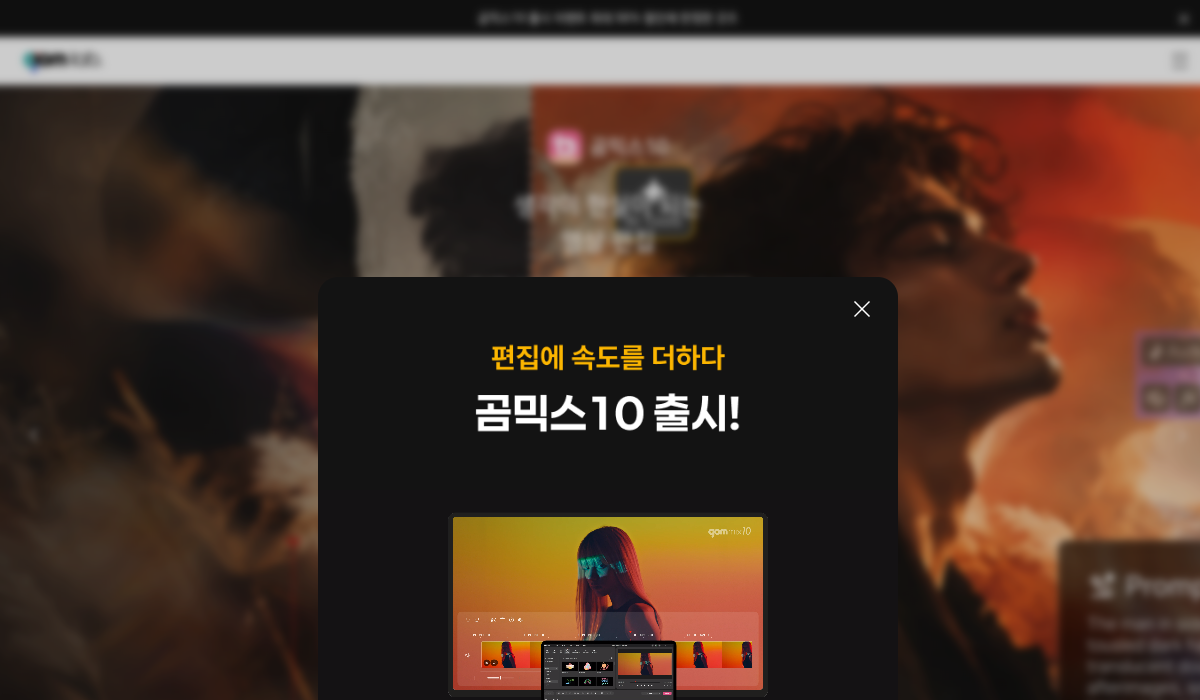
- Edit videos and add AI-generated voice or subtitles with GOM Mix 10.
- Create text-to-video or image-to-video clips with GOM Mix 10 when the selected plan includes those credit-based features.
- Record a screen demonstration or tutorial with GOM Cam.
- Play video files with GOM Player+ or edit and composite photos with GOM Pic.
- Record or trim audio with GOM Voice or GOM Sound Cut.
Limites et points à connaître
- GOM Lab is a suite of separate applications; features and workflows differ by product and should not be assumed to exist across the whole suite.
- GOM Mix 10's free trial is limited to three days and 10 trial credits; its plans page marks AI text-to-video and image-to-video unavailable during the free trial.
- Some AI features consume credits, and plan allowances and credit usage can change. The vendor says free software use requires email-verified membership.
- The current download pages list Windows installers for the desktop products reviewed; the captured pages do not establish macOS, Android, or iOS support for these applications.
- The official plan notice says each software license can be used on one PC at a time. Prices and promotions are subject to change.
Questions fréquentes sur GOMLAB
GOM Lab is the vendor's software brand and distribution site for separate media applications such as GOM Mix 10, GOM Cam, GOM Player+, GOM Pic, GOM Voice, and GOM Sound Cut.
The official plan pages list AI voice, AI subtitles, text-to-video, and image-to-video for GOM Mix 10, with availability and credit allowances depending on the selected plan. GOM Lab also promotes AI upscaling for GOM Player+.
The official GOM Mix 10 page lists a three-day free trial with 10 trial credits and says no credit card is required. It marks AI text-to-video and image-to-video unavailable during the free trial.
The current download pages reviewed list Windows installers for GOM Mix 10, GOM Cam, GOM Player+, GOM Pic, GOM Voice, and GOM Sound Cut. Those pages do not establish support for other operating systems for these desktop products.
Open the official GOM Lab User Guide and select the application you need help with. The guide page lists separate guides for GOM Mix 10, GOM Cam, GOM Player+, GOM Pic, GOM Voice, and GOM Sound Cut.
Pricing is product- and plan-specific. The official pages show free trials, individual licenses, and GOM Easy Pass subscriptions or lifetime plans; prices and promotions can change.
The official plans page says each software can be used on one PC at a time and simultaneous sign-in on two or more PCs is not permitted.
Spécifications du produit
Ressources et liens officiels
Principales alternatives à GOMLAB
Découvrez d’autres solutions de premier plan dans Vidéo · Générateur vidéo IA, avec un classement vérifié

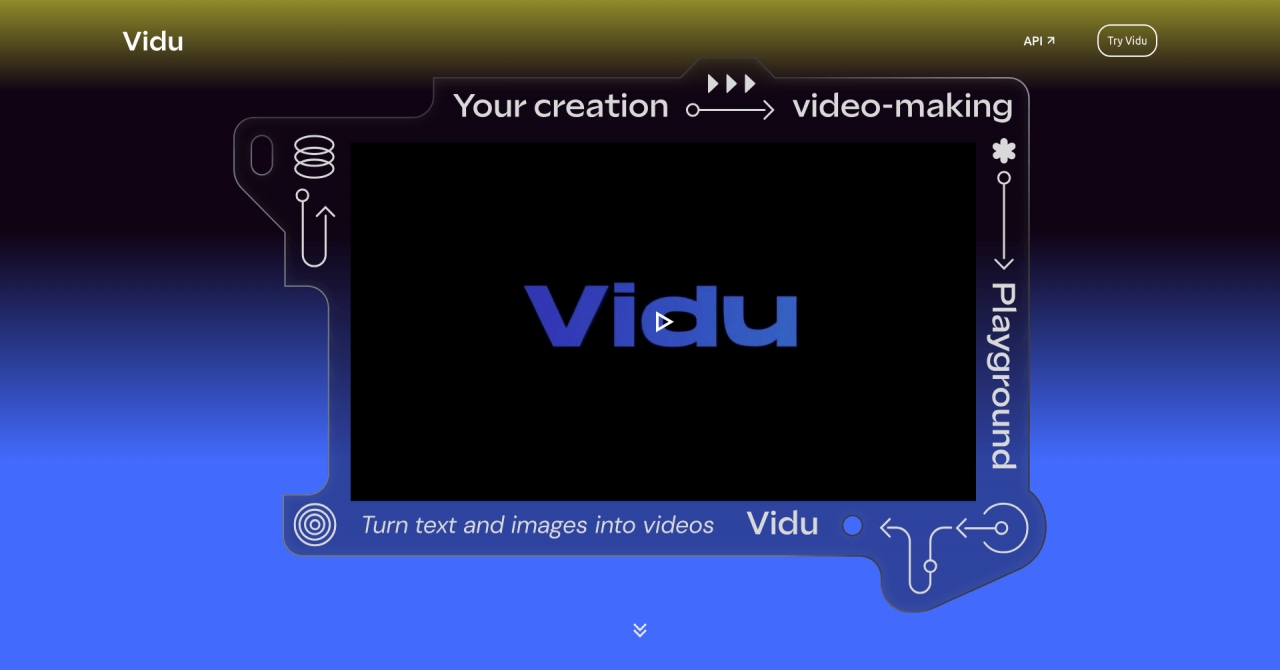

Vidu AI is a powerful AI video generator that creates high-quality videos efficiently and effectively.
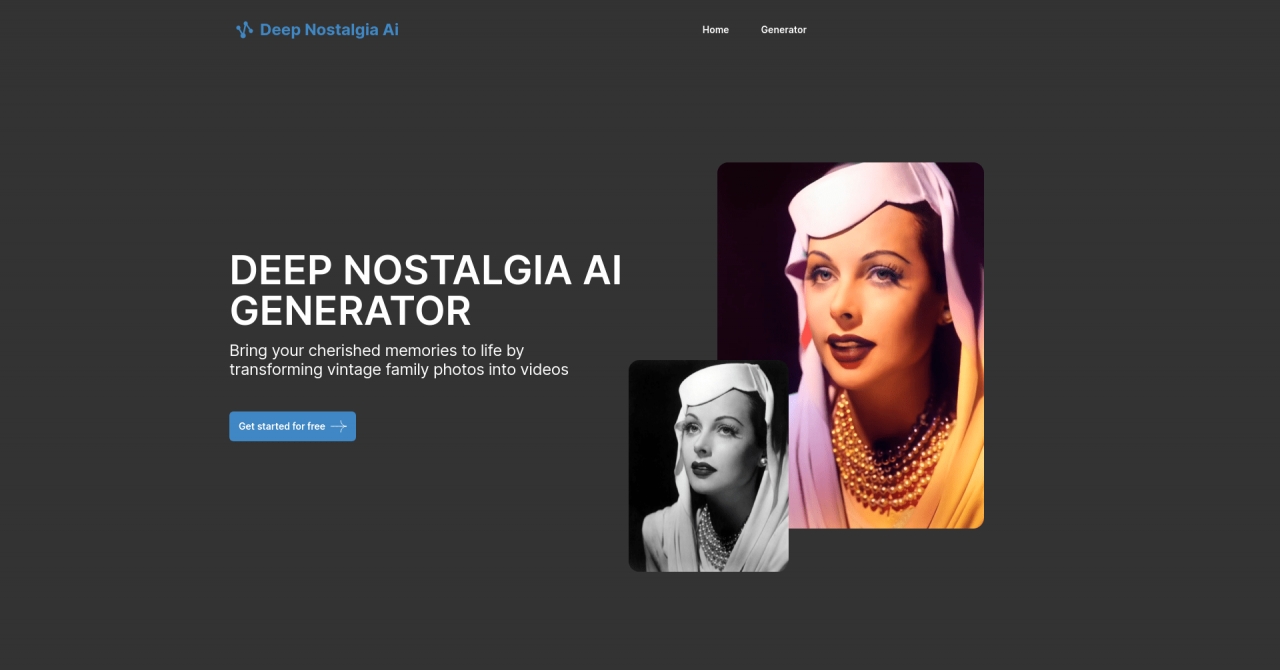

Deep Nostalgia Ai Generator transforms old family photos into moving videos, bringing cherished memories to life with AI art and customization options.

Turn any text, article, or story into a video with Tellers.ai. Improve SEO, reach new communities, and create B-Roll for easy video editing.