Suno AI
TRENDINGTurn a prompt or lyrics into a song.
Qu’est-ce que Suno AI ?
Fonctionnalités clés et points forts de Suno AI
Comment l’utiliser
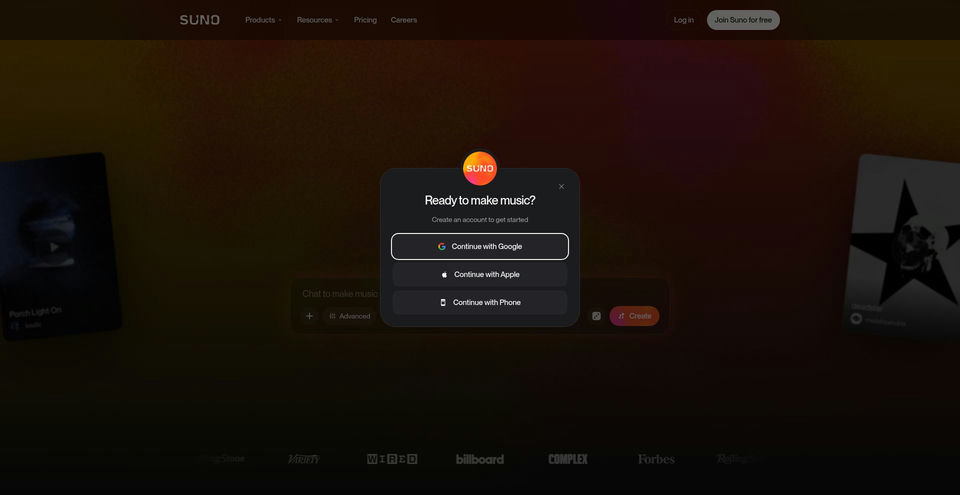
- 1Visit suno.com/create and select Simple mode.
- 2Write a description of what you want to hear.
- 3To provide your own lyrics, choose Custom mode and enter them in the lyrics field.
Cas d’usage et idées
- Turn a musical idea or written lyrics into a song
- Explore combinations of genres, instrumentation, and song structure
- Arrange, edit, and mix a song in Suno Studio
Limites et points à connaître
- The Free plan lists access to free models, 50 credits per day, and uploads of up to 8 minutes of audio; it has no monthly song downloads or commercial rights.
Questions fréquentes sur Suno AI
Yes. In Custom mode, enter your lyrics in the provided field. Suno says you retain ownership and rights to original lyrics you input.
The supplied help page says Pro subscribers receive 20 download credits per month and Premier subscribers receive 60. Suno Studio workflows are not subject to download limits.
The supplied help page says songs downloaded while subscribed are granted commercial use rights, including use for monetization and distribution. It also notes that commercial use rights do not guarantee copyright.
No. Credits included in a subscription do not carry over from day to day or month to month.
The pricing page says purchased top-up credits do not expire, but an active subscription is required to use them.
No. The pricing page lists no commercial rights for the Free plan; paid plans include commercial use rights, subject to the terms.
Spécifications du produit
Ressources et liens officiels
Principales alternatives à Suno AI
Découvrez d’autres solutions de premier plan dans Audio et parole · Audio, avec un classement vérifié