

Google Gemini
Google’s AI assistant can help with writing, planning, brainstorming, and analyzing uploaded files.
Apa itu Google Gemini?
Kapabilitas Utama & Keunggulan Google Gemini
Cara menggunakan
- 1In the Gemini web app, enter a question or prompt in the text box.
- 2Select Add files, then upload a supported file or add one from Google Drive.
- 3To add code, use More > Uploads > Import Code, then upload a folder or enter a GitHub repository or branch URL.
Kasus penggunaan dan ide
- Summarize or ask questions about documents, spreadsheets, notebooks, photos, and videos.
- Review code in an imported folder or GitHub repository.
- Create and customize a chart from an uploaded spreadsheet.
Batasan dan hal yang perlu diketahui
- Up to 10 files can be uploaded in one prompt, subject to availability.
- Each video can be up to 2 GB; other supported files can be up to 100 MB.
- Total video length is limited to 5 minutes, and total audio length to 10 minutes; Google AI Pro or Google AI Ultra can extend these limits.
- A code folder or GitHub repository can contain up to 5,000 files and be up to 100 MB.
- Google Drive uploads require Keep Activity to be on and Google Workspace to be connected to Gemini Apps; work or school accounts may require administrator access.
- Gemini Apps usage is subject to compute-based limits that refresh every 5 hours until the weekly limit is reached.
Pertanyaan yang Sering Diajukan tentang Google Gemini
The Gemini Apps Help page lists documents, spreadsheets, notebooks, photos, videos, and more, and says most file types are supported.
Up to 10 files can be added to one prompt, subject to availability.
Each video can be up to 2 GB; other supported files can be up to 100 MB.
Yes. Select Add from Drive. Keep Activity must be on and Google Workspace must be connected to Gemini Apps; work or school accounts may also require administrator access.
Limits depend on prompt complexity, the models and features used, and chat length. They refresh every five hours until the weekly limit is reached, and may change.
Google’s help page says a Google AI plan can provide expanded access to features and models. The limits page lists different access levels by plan.
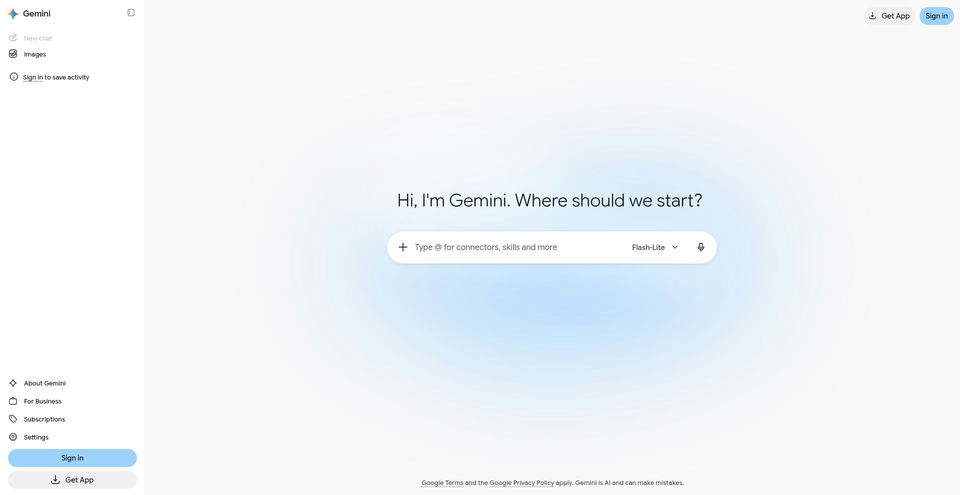
Spesifikasi Produk
Sumber dan Tautan Resmi
Alternatif Teratas untuk Google Gemini
Jelajahi solusi unggulan lain di Obrolan & Percakapan · AI Obrolan dengan peringkat terverifikasi


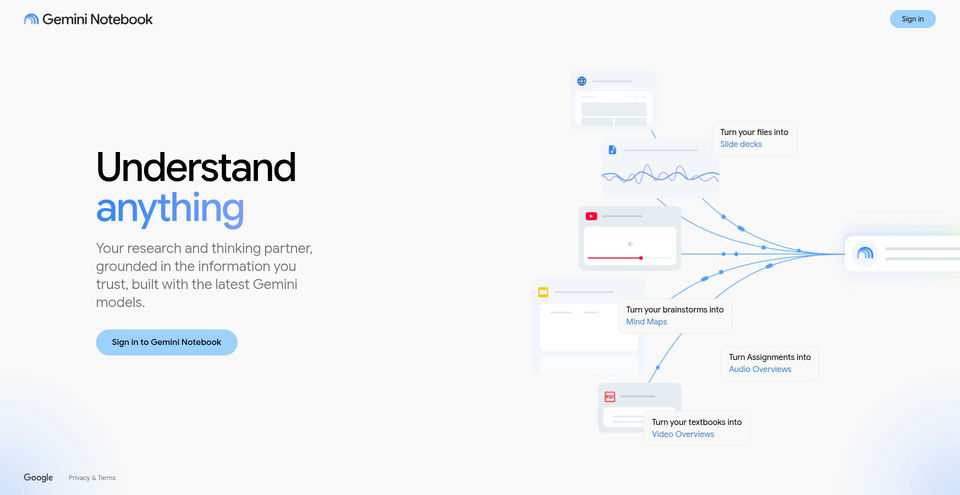

Research and learn from your own sources with an AI notebook that answers with inline citations.
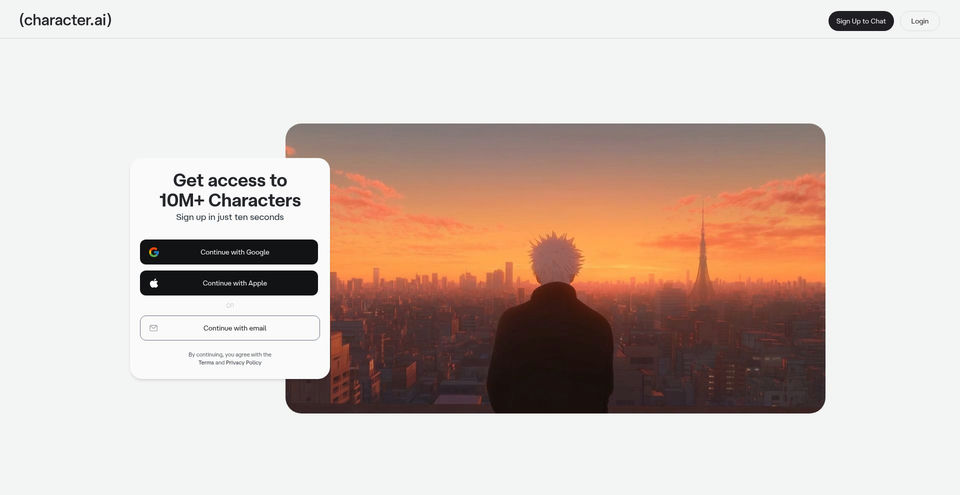

Create, discover, and chat with AI characters for stories, roleplay, and voice conversations.