Gamma
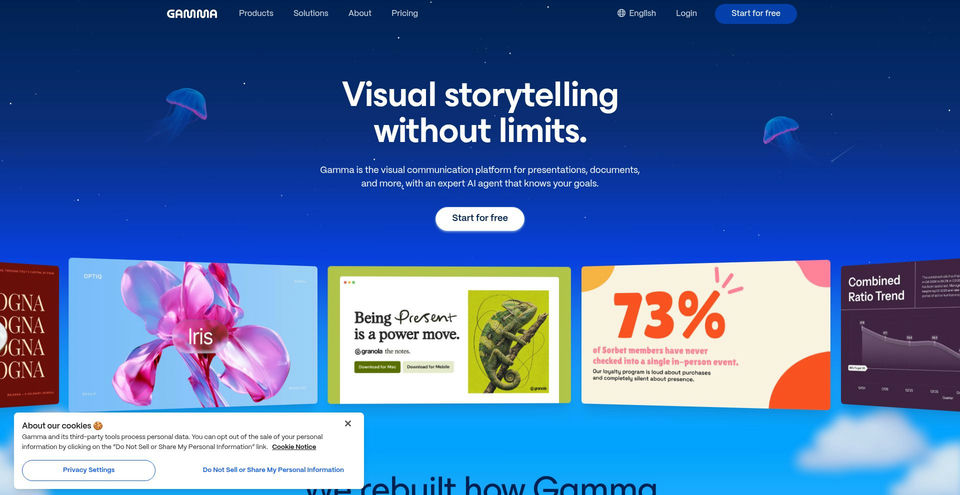
Turn ideas, notes, or existing files into polished presentations, documents, websites, and social visuals.
Gammaとは?
Gammaの主な機能と特長
使い方
- 1Choose a presentation, document, or other format and describe your goal, or paste notes or attach a file.
- 2Answer the AI agent’s questions about your audience and goal, then review and approve its proposed plan.
- 3Ask for revisions in natural language or edit the content and design directly; adjust the theme as needed.
- 4Share a link or invite collaborators, or export the finished work as PDF, PowerPoint, or another available format.
活用例とアイデア
- Prepare pitch decks, meeting presentations, class slides, and talks.
- Turn rough notes or existing documents into reports, proposals, guides, or one-pagers.
- Create social media carousels, marketing visuals, event flyers, and portfolios.
- Build and publish a simple website or landing page to share an idea.
- Create and revise visual content from a phone using the Android app.
制限事項と注意点
- The individual Free plan lists 400 credits at signup and a limit of 10 slides per prompt; higher usage and some features depend on paid plans.
- The pricing page captured on 2026-11-12 displayed Plus, Pro, and Ultra monthly equivalents with annual billing; monthly billing prices may differ.
- The displayed prices are in USD, and the pricing page says taxes may apply based on location.
- This review confirmed the web product and an Android app; availability of other mobile apps was not verified.
Gammaに関するよくある質問
The official Help Center lists presentations, documents, social carousels, images and graphics, and more. The website also lists webpages and an API.
Choose a format, describe what you want or add notes/files, answer the AI agent’s questions, review its plan, and approve it to build the draft. Then edit and share or export.
Yes. The Help Center says you can import PowerPoint, Word, or PDF files and use Beautify to refresh existing content’s design.
Yes. Ask the agent to make changes in natural language or click into the content and edit it directly; you can also change the theme.
Yes. The current individual pricing page lists a Free plan with 400 credits at signup and up to 10 slides per prompt.
The pricing page captured on 2026-11-12 lists Plus at $9/month, Pro at $18/month, and Ultra at $90/month with annual billing selected. It lists annual totals of $108, $216, and $1,080 respectively; confirm current pricing and billing terms on the pricing page.