

OpenAI
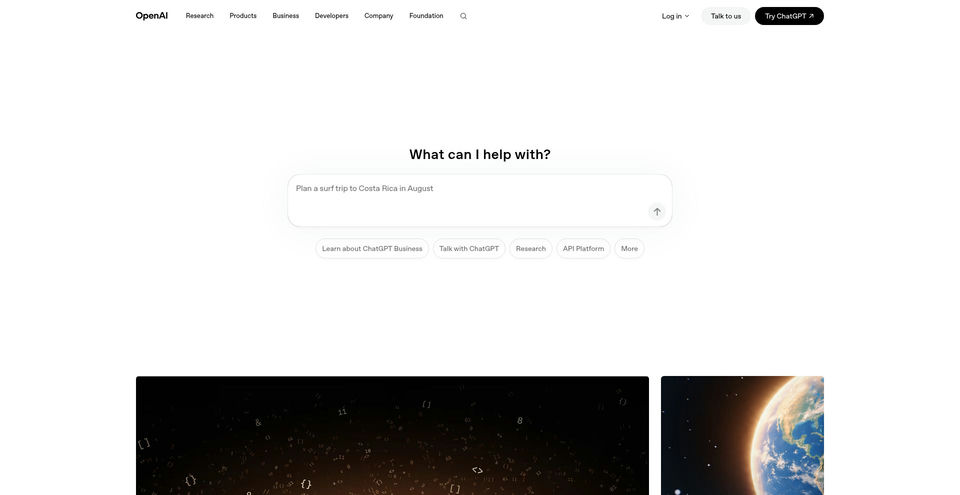
Create and refine images with OpenAI’s image-generation tools in ChatGPT.
OpenAIとは?
OpenAIの主な機能と特長
使い方
- 1Open ChatGPT on the web or in its mobile app and start a chat.
- 2Describe the image you want, including subject, style, and relevant details.
- 3Review the generated image and use follow-up instructions to refine it.
- 4Check current plan limits if you need higher image-generation usage.
活用例とアイデア
- Create illustrations, concepts, or visual assets from a written brief.
- Explore alternate styles or compositions through iterative image edits.
- Generate images to support writing, presentations, and brainstorming.
制限事項と注意点
- Image-generation access and limits vary by ChatGPT plan; the pricing page does not show numeric plan prices in the captured view.
- The official Images 2.6 announcement page returned a server error, so product-specific capabilities and technical limits were not independently verified.
- This catalog entry overlaps with the separate ChatGPT record: the supported image feature runs inside ChatGPT, while this row is named OpenAI and links to the company homepage.
OpenAIに関するよくある質問
It refers to OpenAI image creation available in ChatGPT. The directory row itself links to OpenAI’s corporate homepage, and ChatGPT is listed separately in the catalog.
Yes. ChatGPT’s official pricing page lists image creation, with more image creation on paid plans.
The ChatGPT feature description supports using follow-up instructions to create more complex and accurate images; the official Images 2.6 announcement page was unavailable during this review.
The Free plan includes limited image creation. Paid plans list expanded image-generation access; the exact amount was not visible in the captured pricing page.
The ChatGPT pricing page lists access on web, iOS, and Android.
OpenAIの主な代替ツール
ランキングで確認された画像・ビジュアルアート · Imageの他の有力ツールを見る

The open platform for discovering, building, sharing, and deploying machine-learning models, datasets, and AI applications.