

Replicate
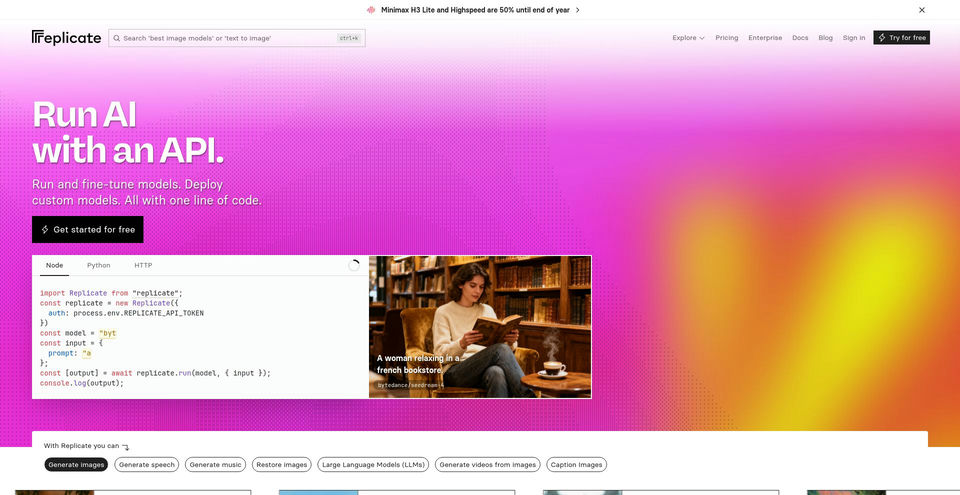
Run, fine-tune, and deploy machine-learning models through a hosted API and cloud platform.
Replicateとは?
Replicateの主な機能と特長
使い方
- 1Browse the model catalog and open a model page to review its inputs, examples, and price.
- 2Create an account and configure API access if you plan to call models from an application.
- 3Send a prediction request with the model’s required input fields using the API, Python, Node.js, or another documented workflow.
- 4Retrieve or stream the output, then integrate it into your application.
- 5For custom workflows, follow the fine-tuning or deployment guide and review the associated compute pricing.
活用例とアイデア
- Generate images, speech, music, and other media from hosted models
- Add model inference to an application through API requests
- Fine-tune a supported model for a specific dataset or task
- Deploy custom machine-learning code behind a managed API
- Prototype a model from notebooks, scripts, or client libraries
制限事項と注意点
- Pricing is usage-based rather than a single fixed subscription: public model costs vary by hardware, run time, or model-specific input and output pricing.
- Each model page provides the current cost estimate; the pricing page’s sample image models show different per-output prices.
- Fine-tuning and custom deployments incur their own compute costs and require supported model/code configurations.
- Hosted models can have different input formats, performance, availability, and output characteristics; review each model’s documentation.
Replicateに関するよくある質問
Replicate says you pay for usage. Many public models are billed by hardware and run time; others use input/output pricing. Check the model page for its current estimate.
You can inspect models on the web, and developers can run them through Replicate’s API and official clients, including Python and Node.js.
Yes. Replicate documents fine-tuning workflows for supported models, including an image-model guide.
Yes. The documentation describes packaging and deploying custom model code to Replicate.
It varies by model. At capture, the pricing page showed example rates of US$0.04 per FLUX 1.1 Pro output image and US$0.025 per FLUX Dev output image. Check the current model page before running jobs.
Prediction jobs can be retrieved through the API, and the platform documents options such as webhooks and streaming for receiving results.
Yes. The official getting-started documentation includes a Google Colab workflow as well as Python and Node.js guides.
製品仕様
公式リソースとリンク
Replicateの主な代替ツール
ランキングで確認されたソフトウェア・開発 · AI開発者ツールの他の有力ツールを見る
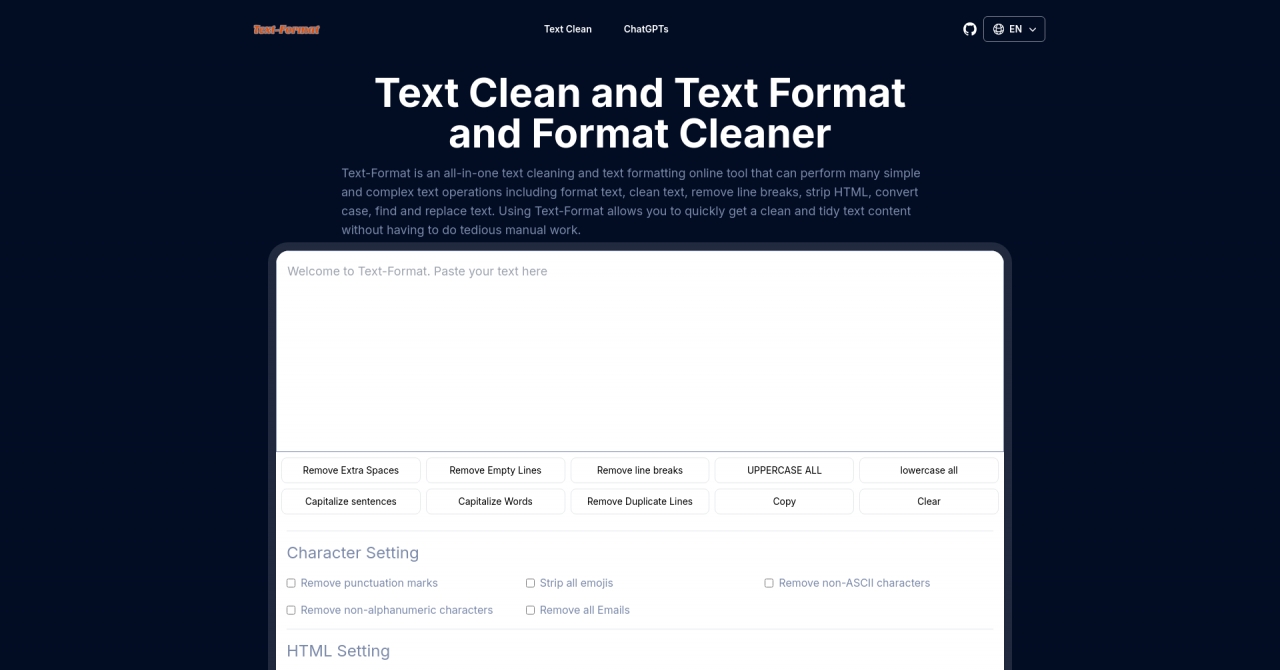

Text-Format & Format Cleaner is a web tool for text manipulation and formatting. It offers operations like removing punctuation, emojis, and HTML tags.