

ComfyUI
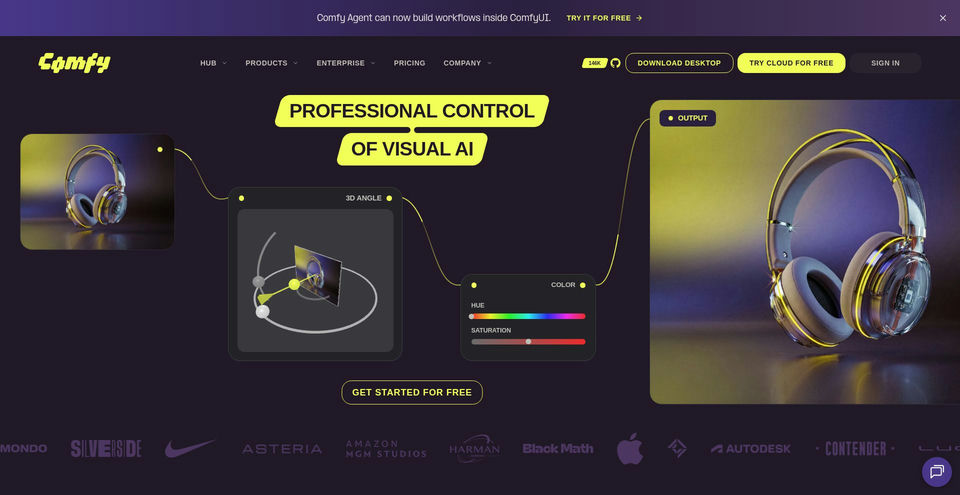
Build, run, and deploy visual AI workflows with control over models and nodes.
ComfyUI은(는) 무엇인가요?
ComfyUI의 주요 기능 및 특징
사용 방법
- 1Install Comfy Desktop from the official download page or start in Comfy Cloud in a browser.
- 2Choose a model and workflow, then adjust nodes and inputs to suit the task.
- 3Run the workflow and inspect the generated output on the canvas.
- 4For repeatable or production use, package dependencies as a build and deploy through the Developer Platform.
활용 사례 및 아이디어
- Create custom image and video generation workflows.
- Run open-source models locally and keep workflows and data on your machine.
- Standardize reusable workflows with packaged models, nodes, and dependencies.
- Deploy team or production workflows as APIs.
- Prototype visual workflows with Comfy Agent.
제한 사항 및 참고 정보
- Running local models requires installing the software and managing model files and hardware; the site distinguishes this from browser-based Comfy Cloud.
- The cloud and developer products have separate service and pricing details; numeric prices were not visible on the captured official pages.
- Comfy states core desktop functionality is free and open source; commercial-use rights for specific models may depend on their licensing terms.
ComfyUI에 관한 자주 묻는 질문
The official download page describes Comfy Desktop as free forever and open source, without feature gates or a core-functionality paid tier.
The download page says Comfy Desktop can run entirely offline after setup.
Yes. Comfy Cloud is described as providing the ComfyUI experience in a browser without local setup.
Yes. The Developer Platform supports packaging and deploying ComfyUI workflows as production APIs.
The homepage says Comfy Agent can plan, build, and run workflows from a description while editing the canvas.
The Developer Platform describes builds that package custom nodes, LoRAs, models, and Python dependencies for Desktop or API deployment.
제품 사양
공식 자료 및 링크
ComfyUI의 주요 대안
순위가 확인된 AI Image Generator의 다른 주요 솔루션을 살펴보세요



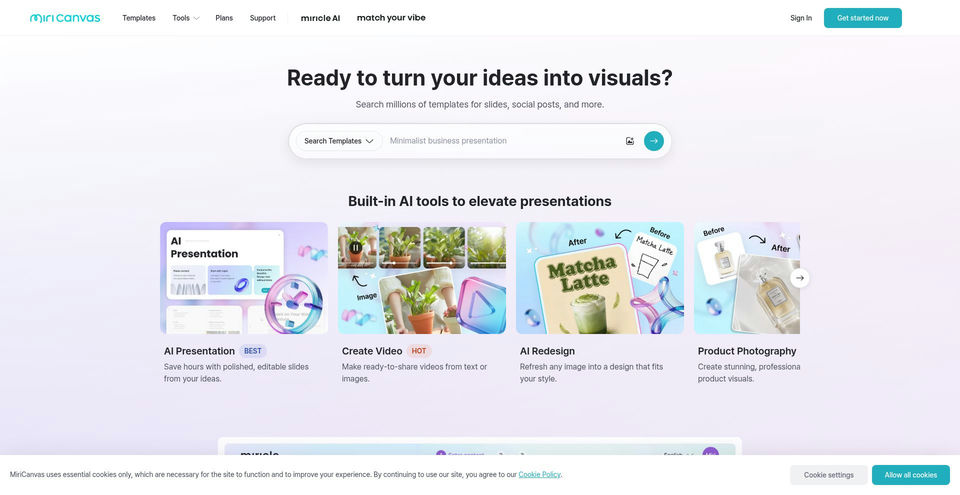

Create presentations, social posts, posters, and other designs with templates and built-in AI tools.