

Gizmo AI
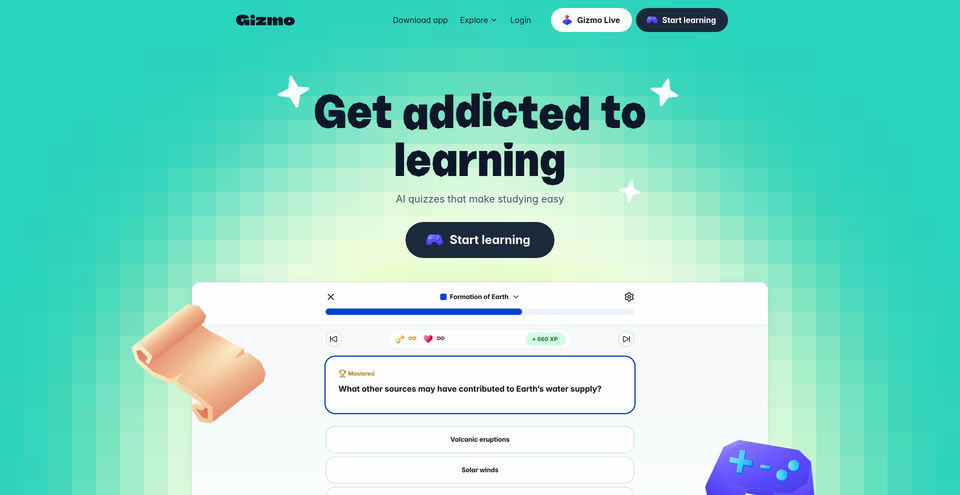
Turn study material into AI flashcards, quizzes, and personalised practice.
Gizmo AI은(는) 무엇인가요?
Gizmo AI의 주요 기능 및 특징
사용 방법
- 1Create or open a deck, or use Magic Import to provide a PDF, PowerPoint, YouTube link, notes, photo, recording, Quizlet set, or another deck.
- 2Review the generated cards or start an AI Tutor lesson from the imported content.
- 3Open a deck and choose Memorise to begin a quiz session.
- 4Answer by selecting an option, typing, revealing a flashcard, or using the mixed question format; Gizmo schedules cards using spaced repetition.
- 5Use Gizmo Live or practice tests for additional study modes.
활용 사례 및 아이디어
- Turn class notes, slides, videos, and readings into flashcards and quizzes.
- Review vocabulary, concepts, and exam material using spaced repetition.
- Study a topic with AI Tutor using imported course materials.
- Practise for exams with quizzes and practice tests.
- Play live study quizzes with friends.
제한 사항 및 참고 정보
- The Help Center states that users must be at least 13; parental consent does not waive the minimum age.
- If the system suspects a user is under 13, age verification may require a selfie and a photo ID.
- Free users must wait 10 minutes after losing 15 Hearts before they can quiz again.
- Free Magic Import is limited to two uses per day and has a 20-minute wait between imports.
- AI Tutor, hints, Hearts, and import limits differ between free and Unlimited plans.
- The Help Center lists weekly and yearly Unlimited subscriptions but does not publish numeric prices on the reviewed pages.
Gizmo AI에 관한 자주 묻는 질문
Gizmo is a study app that turns learning material into AI flashcards and quizzes, then uses spaced repetition and active recall to help students practise.
Magic Import can use PDFs, PowerPoint files, YouTube links, notes, photos, recordings, Quizlet sets, or an existing Gizmo deck to create flashcards or start an AI Tutor lesson.
Yes. The Help Center says users can create unlimited cards and decks and quiz for free. Free use is limited by Hearts and Magic Import waits.
If you lose 15 Hearts while quizzing, you must wait 10 minutes. Free users can use Magic Import twice per day, with a 20-minute wait between imports.
Unlimited removes the Hearts limit, Magic Import wait, and AI Tutor limit, and provides unlimited hints. The Help Center lists weekly and yearly plans; it did not show numeric prices publicly.
Memorise mode uses spaced repetition and active recall. It asks a mix of question types, including multiple choice, typing, flashcards-only, and mixed formats.
Yes. The Help Center says Gizmo has both iOS and Android apps.
The Help Center states a minimum age of 13, with no exception for parental consent. If the system suspects a user is under 13, age verification may ask for a selfie and photo ID.
제품 사양
Gizmo AI의 주요 대안
순위가 확인된 라이프스타일 및 학습 · AI 교육 도우미의 다른 주요 솔루션을 살펴보세요


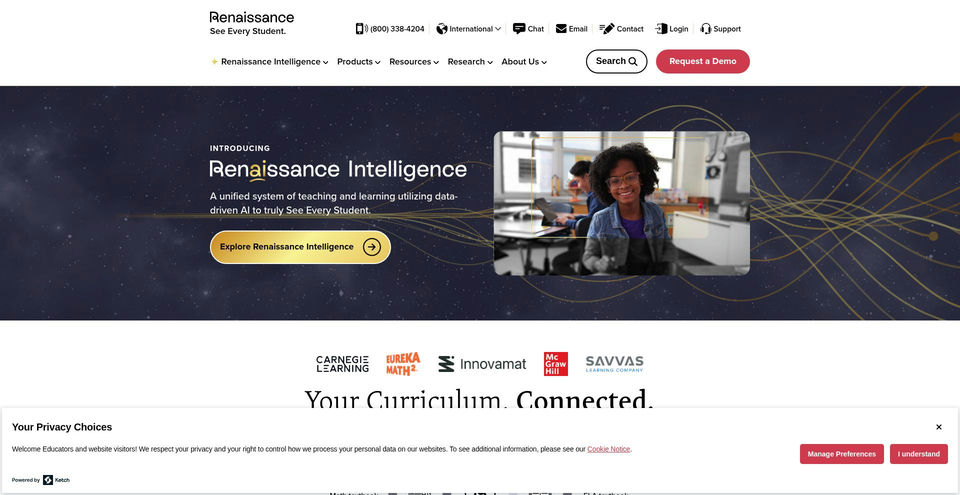

A K–12 learning intelligence system combining assessment, instruction, and adaptive practice.