Read AI
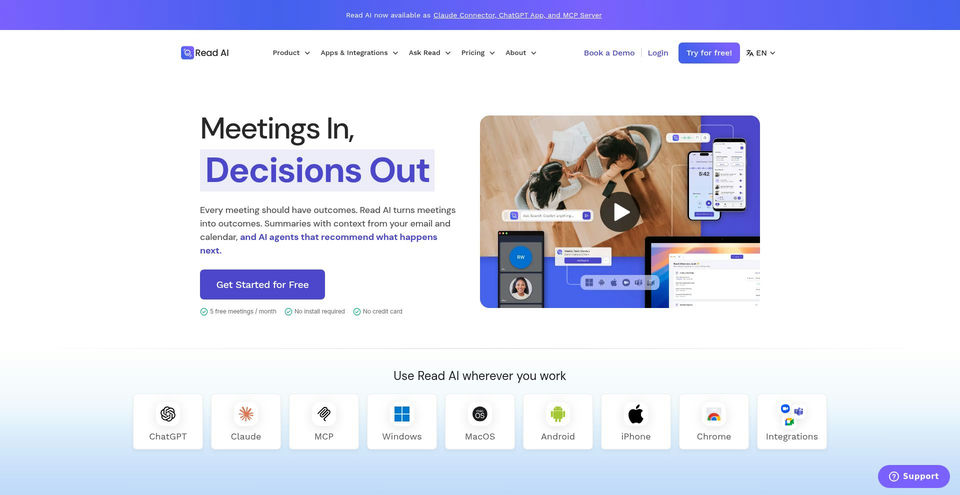
Transcribe meetings and conversations, then turn them into summaries, reports, and searchable context.
Read AI은(는) 무엇인가요?
Read AI의 주요 기능 및 특징
사용 방법
- 1Create a Read AI account and connect your calendar or meeting platform as needed.
- 2For a video meeting, use the meeting assistant with Zoom, Teams, or Google Meet.
- 3For an in-person conversation, start a recording in the iOS or Android app.
- 4Review the report, transcript, and summary after the conversation.
- 5Search prior work context with Ask Read or export/share the information through available integrations.
활용 사례 및 아이디어
- Create searchable notes and action context from recurring team meetings.
- Capture interviews, workshops, or face-to-face discussions on mobile.
- Search prior meeting and connected-work context when preparing for a follow-up.
- Track meeting metrics and summarize decisions for teams.
제한 사항 및 참고 정보
- Free plan is limited to five meeting transcripts/reports per month and a one-hour maximum meeting length.
- Pro is listed at $15 per user/month when billed annually; Enterprise at $22.50 per user/month annually; Enterprise+ at $29.75 per user/month annually and requires at least five licenses.
- Enterprise+ includes custom retention and regional hosting options; these are paid enterprise capabilities.
- Mobile app requires iOS 17.5+ or Android 12+ according to the official page.
Read AI에 관한 자주 묻는 질문
The Free plan includes five meeting transcripts per month, meeting summaries and search, basic integrations, 20+ languages, and apps for Windows, macOS, Android, and iOS.
The pricing page lists Pro at $15 USD per user/month when billed annually. It includes unlimited meeting transcripts, 100 file-upload credits per month, premium integrations, unlimited reports, and storage.
Enterprise is listed at $22.50 USD per user/month when billed annually and adds audio/video playback, video highlights, 200 monthly file-upload credits, and premium support.
Enterprise+ is listed at $29.75 USD per user/month annually, requires at least five licenses, and adds options including HIPAA compliance, SAML/SCIM, custom retention, and EU/Canada hosting.
The plan comparison lists Zoom, Microsoft Teams, and Google Meet.
Yes. Its mobile app supports recording, transcription, and summaries for in-person conversations.
The pricing comparison lists one hour on Free, four hours on Pro and Enterprise, and eight hours on Enterprise+.
제품 사양
공식 자료 및 링크
Read AI의 주요 대안
순위가 확인된 비즈니스 및 운영 · AI 회의 도우미의 다른 주요 솔루션을 살펴보세요