

Meta AI
A multimodal AI assistant for research, writing, image creation, shopping, and everyday tasks.
Meta AI nedir?
Meta AI Temel Yetenekleri ve Öne Çıkanlar
Nasıl kullanılır
- 1Open Meta AI on the web or in a supported app and sign in with your existing Meta account.
- 2Ask a question in Instant mode or switch to Thinking mode for a more complex task.
- 3Attach a photo, file, or document and ask Meta AI to explain, compare, or work with it.
- 4Use voice mode or Live AI for spoken assistance and questions about what you are seeing.
- 5For image tasks, describe the image or edit you want and iterate through follow-up prompts; on WhatsApp, open a new chat with Meta AI, and on Instagram, use the Meta AI icon in DMs or search.
Kullanım alanları ve fikirler
- Get everyday answers, explanations, and deeper research help.
- Explore current topics and trends using cited public posts from Meta’s social platforms.
- Review or compare leases, spreadsheets, documents, and product photos.
- Create or edit visuals, captions, and image concepts for social content.
- Use voice assistance, Live AI, or Mac dictation while working across other apps.
Sınırlamalar ve bilinmesi gerekenler
- Meta says everyday use is free, but it is testing daily or monthly usage limits on some compute-intensive features.
- Users who reach a limit may be offered a subscription to unlock more usage; the public FAQ does not list a price.
- Capabilities vary by surface: Live AI, file handling, image editing, Mac window context, and social app integrations are described on different clients.
- The Mac desktop app is labeled beta on the assistant page; confirm current feature availability in the selected client.
Meta AI hakkında sık sorulan sorular
Meta AI is a free AI assistant from Meta for questions, complex reasoning, image generation, coding, shopping, and more, available on meta.ai, in the Meta AI app, and across Meta apps.
Meta says it is free for everyday use. Some compute-intensive features have daily or monthly limits under testing; users can purchase more usage after reaching a limit.
The official page lists web, iOS, Android, Mac, AI glasses, and Meta apps including Facebook, Messenger, Instagram, WhatsApp, and Threads.
Yes. The assistant page describes uploading photos, files, and documents, including comparing multiple files and asking questions about their contents.
Yes. Meta AI can generate and edit images through prompts, presets, reference-based creation, sketches, and conversational follow-up edits.
On WhatsApp, tap the Meta AI icon or start a new chat. On Instagram, tap the Meta AI icon in DMs or use it in search.

Ürün özellikleri
Meta AI için en iyi alternatifler
Doğrulanmış sıralamalarla Sohbet ve konuşma · Yapay Zeka Sohbet Robotu alanındaki diğer öne çıkan çözümleri keşfedin


Anthropic’s AI assistant for research, writing, coding, and getting work done.
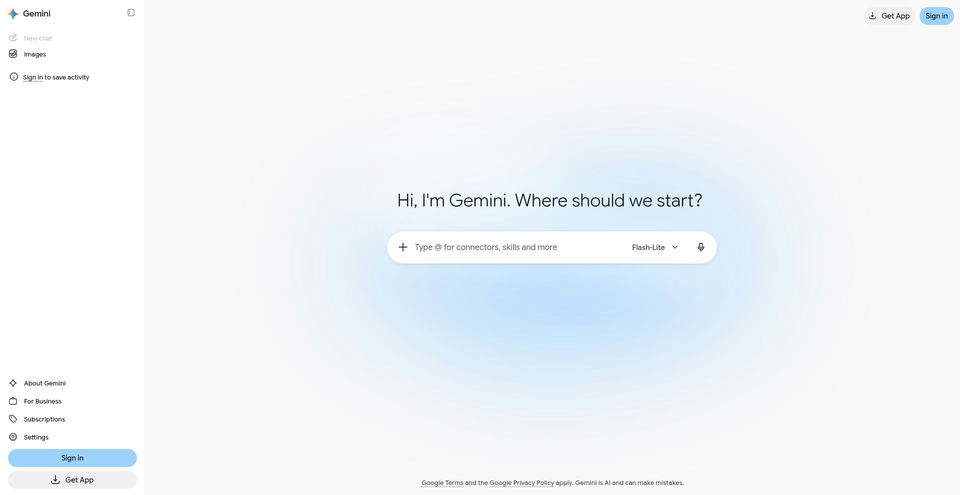

Google’s AI assistant can help with writing, planning, brainstorming, and analyzing uploaded files.
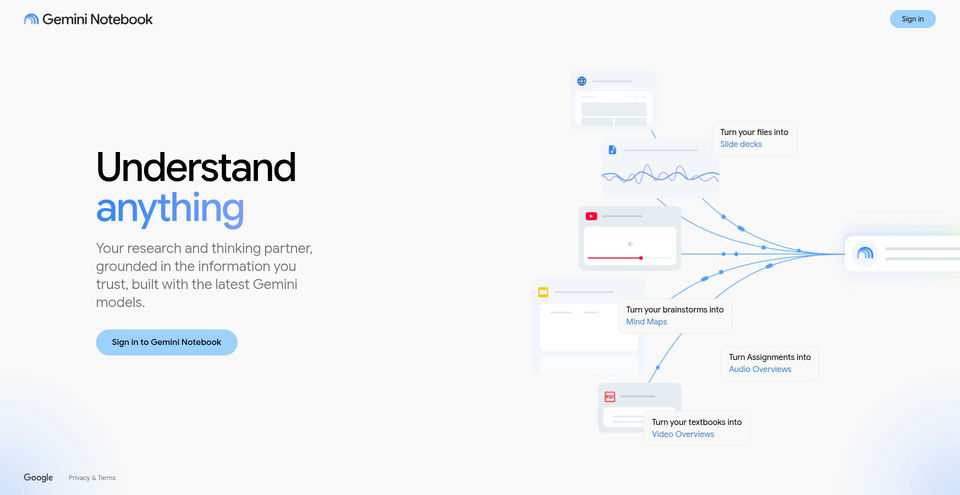

Research and learn from your own sources with an AI notebook that answers with inline citations.
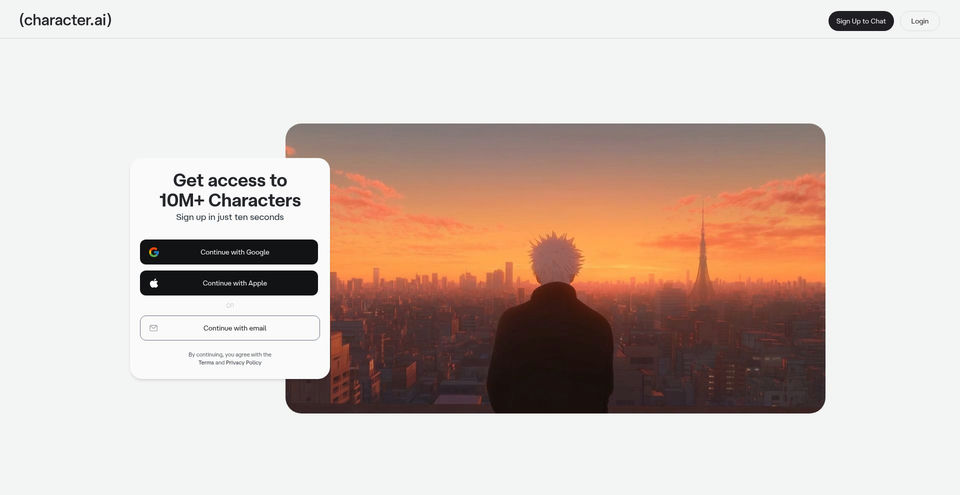

Create, discover, and chat with AI characters for stories, roleplay, and voice conversations.