

Ollama
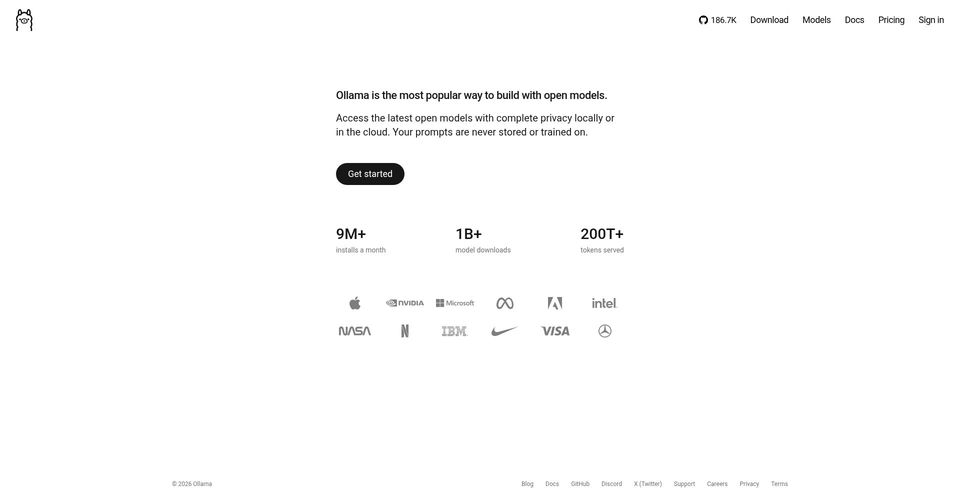
Run open AI models locally or use Ollama cloud models and APIs.
Ollama nedir?
Ollama Temel Yetenekleri ve Öne Çıkanlar
Nasıl kullanılır
- 1Download Ollama for macOS, Windows, or Linux and install it.
- 2Choose a model from the official model library and run it locally, or select a cloud model.
- 3Use the command line or local API to send prompts and integrate models into applications.
- 4Run `ollama ps` to inspect loaded models and whether they use GPU, CPU, or both.
- 5Adjust the context window through `OLLAMA_CONTEXT_LENGTH`, a run parameter, or the API `num_ctx` option.
Kullanım alanları ve fikirler
- Run open language and multimodal models on a personal workstation
- Build local-first applications using open models
- Use hosted cloud models when local hardware is insufficient
- Connect desktop apps and coding agents to local or cloud models
- Inspect and tune local model memory or context settings
Sınırlamalar ve bilinmesi gerekenler
- Local inference speed and capacity depend on available hardware; large models can be slow without a strong GPU.
- Cloud models are billed per token; the $0 local tier does not mean cloud inference is free.
- The Pro plan includes a stated $60 monthly usage credit; team usage credits are shared across the team.
- Team is marked early access on the pricing page.
- Model availability, hardware requirements, and performance vary by model.
Ollama hakkında sık sorulan sorular
The official pricing page lists local model use at $0 with no subscription. Cloud model use is separately billed per token.
The pricing page lists Pro at $20 per month or $200 per year, including $60 of usage credits per month.
The download page provides options for macOS, Linux, and Windows.
Run `ollama ps` and inspect the Processor column, which shows GPU, CPU, or a split between them.
Set `OLLAMA_CONTEXT_LENGTH`, use the `num_ctx` run parameter, or pass `num_ctx` in an API request.
The FAQ lists `~/.ollama/models` on macOS, `/usr/share/ollama/.ollama/models` on Linux, and the user profile `.ollama\models` directory on Windows. `OLLAMA_MODELS` can select another location.
Ürün özellikleri
Resmî kaynaklar ve bağlantılar
Ollama için en iyi alternatifler
Doğrulanmış sıralamalarla Sohbet ve konuşma · Büyük Dil Modelleri alanındaki diğer öne çıkan çözümleri keşfedin


Anthropic’s AI assistant for research, writing, coding, and getting work done.
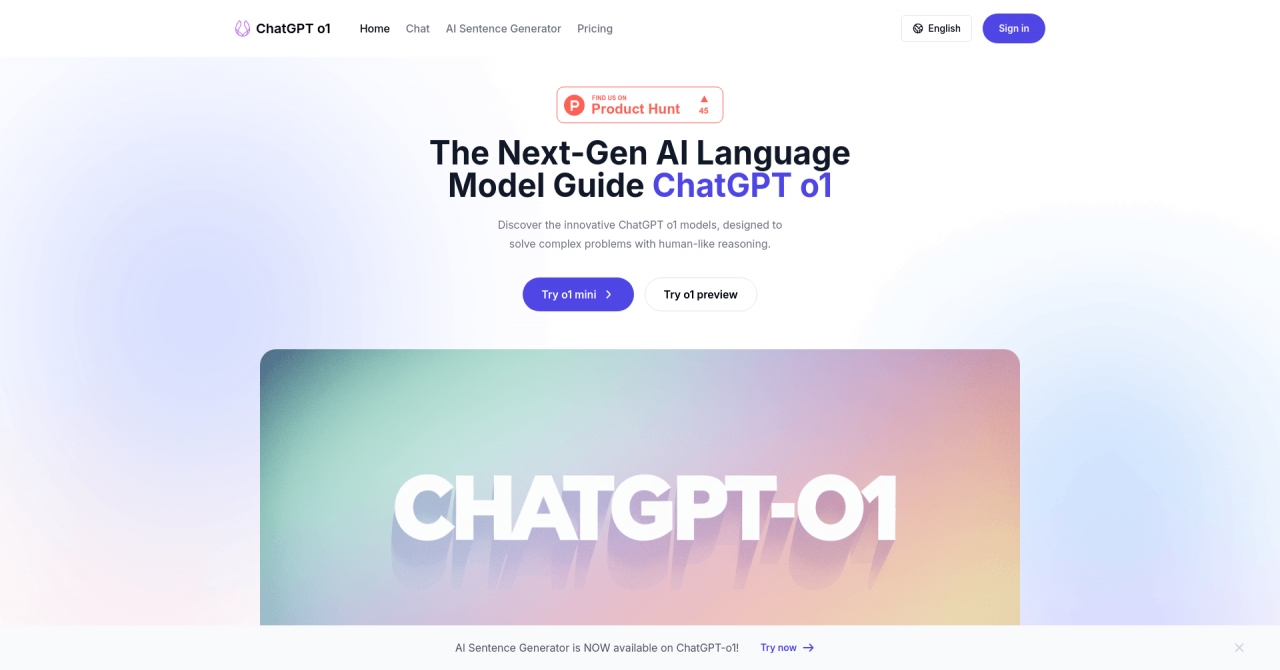
Discover ChatGPT o1, an AI model by OpenAI with advanced reasoning capabilities for solving complex problems in various fields efficiently and creatively.
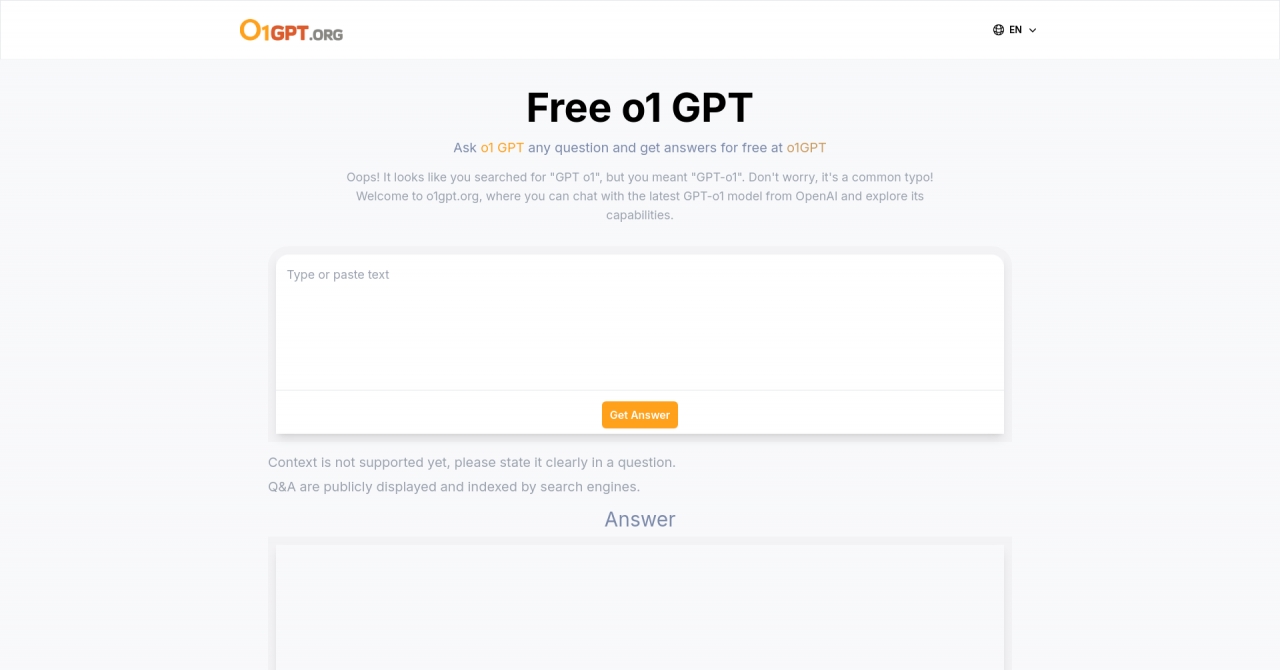
o1 GPT from OpenAI offers free unlimited chat with its latest model, featuring multimodal capabilities, fast response times, improved language support, and safety measures.
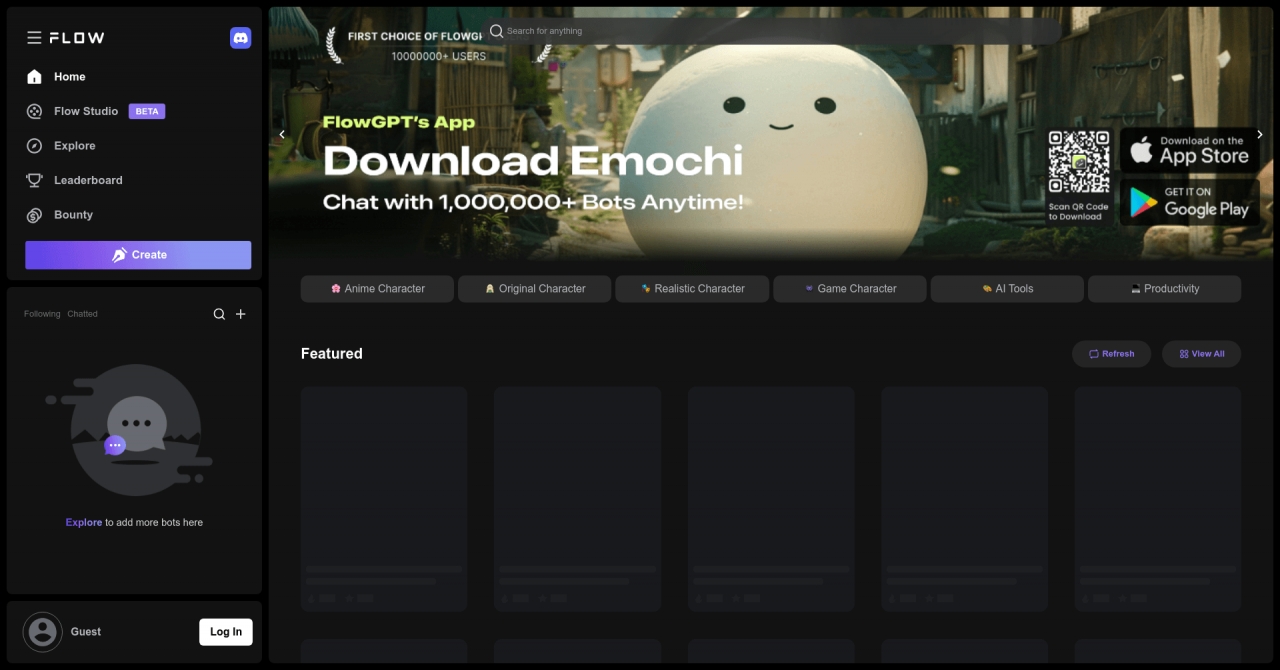

Fast & Free ChatGPT prompts, OpenAI, Character Bots store | FlowGPT offers a wide range of AI tools, productivity resources, and character bots for users to explore and interact with.