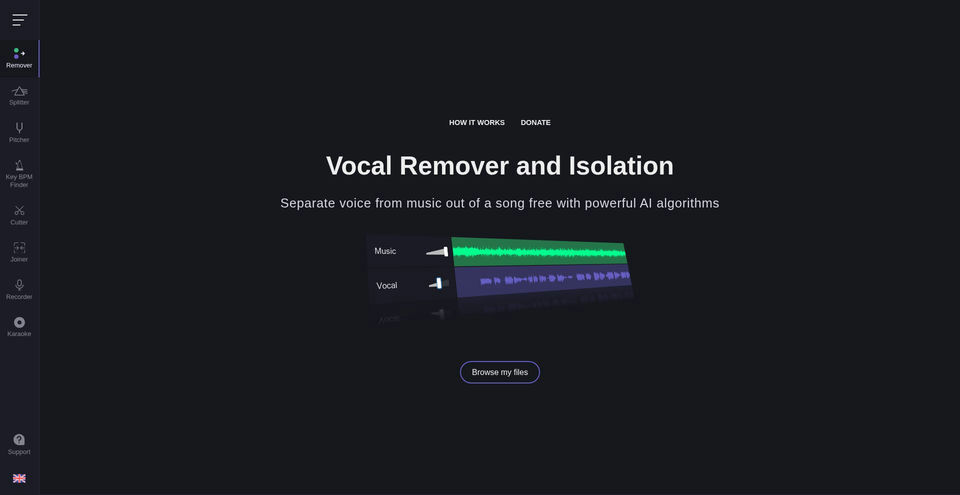
Vocal Remover
A collection of free browser tools for vocal removal, music separation, audio editing, and analysis.
Vocal Remover nedir?
Vocal Remover Temel Yetenekleri ve Öne Çıkanlar
Nasıl kullanılır
- 1Open the relevant tool from the site navigation, such as Remover, Splitter, Pitcher, or Key BPM Finder.
- 2Choose an audio file using the file picker.
- 3Adjust the available separation, pitch, tempo, or editing controls.
- 4Wait for analysis or processing, then review the generated tracks or edited audio.
- 5Save or export the result using the controls provided by that tool.
Kullanım alanları ve fikirler
- Create a karaoke backing track and isolated vocal track from a song
- Extract vocals, drums, bass, and other stems for remixing or practice
- Change the pitch or tempo of a recording for performance practice
- Find a song’s key and BPM before arranging or mixing
- Trim, join, or record audio directly in a browser
Sınırlamalar ve bilinmesi gerekenler
- The main Vocal Remover page says processing usually takes about 10 seconds; Splitter AI may take about one minute.
- Splitter AI describes its output stems as vocals, bass, drums, and other audio.
- A newer version with improved algorithms is marked as available to subscribers only; pricing was not exposed on the captured pages.
- The site provides individual browser-based audio tools; file formats and export constraints were not fully documented in the accessible page snapshots.
Vocal Remover hakkında sık sorulan sorular
The official homepage describes the Vocal Remover as free to use. It also labels a newer version as subscriber-only, but the captured pages did not show its price.
It creates a karaoke track without vocals and an acapella track with isolated vocals.
The homepage says processing usually takes about 10 seconds; processing time can vary.
Yes. Splitter AI separates a song into vocals, bass, drums, and other stems.
Yes. The Pitch Shifter changes pitch and playback speed, while Key BPM Finder estimates the musical key, scale, and BPM.
The site also lists tools to cut or join audio, record voice, and create karaoke recordings.
The Audio Cutter page says it works in the browser and is available on mobile devices.