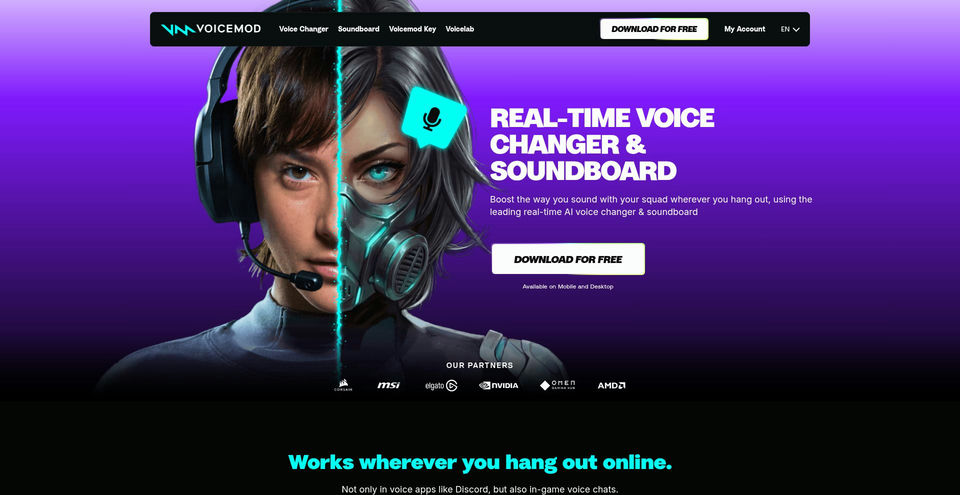
Voicemod
Change your voice in real time, trigger sound effects, and build custom voice effects.
Voicemod nedir?
Voicemod Temel Yetenekleri ve Öne Çıkanlar
Nasıl kullanılır
- 1Install Voicemod on a supported Windows PC or Mac, or install the mobile app for supported mobile workflows.
- 2In Voicemod audio settings, select your microphone as input and headphones or speakers as output; enable Voice Changer.
- 3Choose a voice in the Voices tab and turn on Hear Myself if you want to preview it.
- 4In your game, call, or streaming app, select Voicemod Virtual Microphone as the microphone input.
- 5Open a Soundboard and trigger clips with buttons or keybinds; use Voicelab to create custom effects if your account has PRO.
- 6For live voice changing on mobile or supported consoles, connect a compatible phone, headset, and VMKey Pocket.
Kullanım alanları ve fikirler
- Add live character voices to multiplayer games and Discord or other voice chats.
- Trigger sound effects, memes, and reactions during games, calls, and live streams.
- Build, save, and share custom voice effects for gaming or creative audio.
- Control a desktop soundboard from a phone or use supported mobile and console setups with VMKey Pocket.
- Create entertaining voice-based content and reactions for a stream or community.
Sınırlamalar ve bilinmesi gerekenler
- The free plan has a limited voice selection that rotates daily and one soundboard with limited slots; PRO unlocks the full library, unlimited soundboards, and Voicelab.
- Premium Soundboards are separate one-time purchases and are not included with a PRO subscription.
- Current PRO price and billing options are shown in the app for the user’s account and region; no universal public price was found in reviewed sources.
- Live voice changing on mobile games or supported consoles requires a compatible VMKey Pocket setup; mobile app availability alone does not provide that routing.
- Desktop support requires a compatible Windows 10/11 PC or macOS Ventura 13+ Mac; AI voices on Intel/AMD PCs require AVX2 and results may vary with hardware and microphone quality.
Voicemod hakkında sık sorulan sorular
Voicemod is voice changer and soundboard software for changing your voice in real time and playing audio clips in games, calls, and streams.
Yes. The free plan includes a rotating limited set of voices and one soundboard with limited slots. PRO unlocks the full voice library, unlimited soundboards, and Voicelab.
Select your physical microphone and output device in Voicemod, enable Voice Changer, then select Voicemod Virtual Microphone as the input device in your game or calling app.
Yes. Voicelab combines voice effects to create and save custom voices; the Help Center identifies it as a PRO feature.
No. Officially licensed Premium Soundboards are separate one-time purchases and can be bought with either a free or PRO account.
The Help Center lists desktop apps for Windows and macOS and mobile apps for iPhone and Android. VMKey Pocket supports specific console and headset setups.
For live voice changing in supported mobile games or consoles, the official guide says to use the mobile app with a compatible VMKey Pocket, phone connection, and headset.
The official purchase guide says the app displays available plans and regional prices in the account’s upgrade flow. A single universal public price was not listed in the reviewed pages.