

ComfyUI
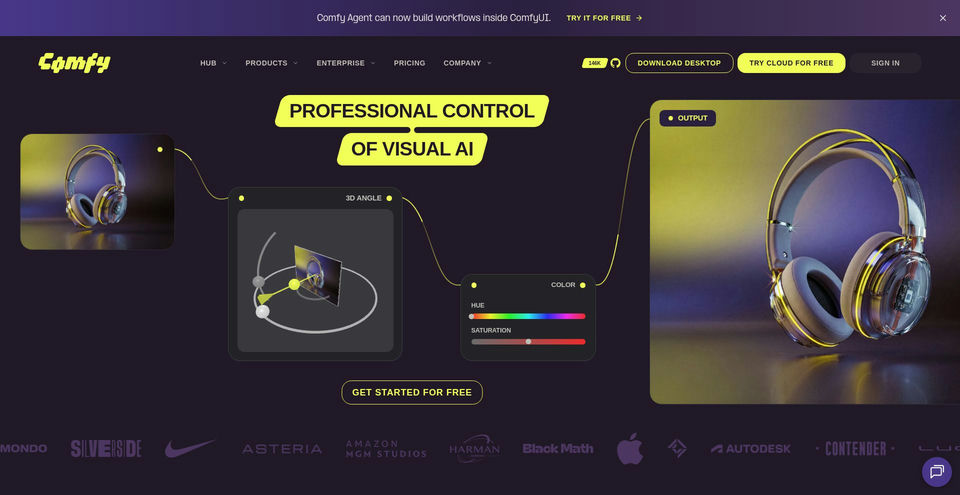
Build, run, and deploy visual AI workflows with control over models and nodes.
ComfyUI 是什麼?
ComfyUI 的主要功能與特色
使用方式
- 1Install Comfy Desktop from the official download page or start in Comfy Cloud in a browser.
- 2Choose a model and workflow, then adjust nodes and inputs to suit the task.
- 3Run the workflow and inspect the generated output on the canvas.
- 4For repeatable or production use, package dependencies as a build and deploy through the Developer Platform.
使用情境與玩法
- Create custom image and video generation workflows.
- Run open-source models locally and keep workflows and data on your machine.
- Standardize reusable workflows with packaged models, nodes, and dependencies.
- Deploy team or production workflows as APIs.
- Prototype visual workflows with Comfy Agent.
限制與注意事項
- Running local models requires installing the software and managing model files and hardware; the site distinguishes this from browser-based Comfy Cloud.
- The cloud and developer products have separate service and pricing details; numeric prices were not visible on the captured official pages.
- Comfy states core desktop functionality is free and open source; commercial-use rights for specific models may depend on their licensing terms.
關於 ComfyUI 的常見問題
The official download page describes Comfy Desktop as free forever and open source, without feature gates or a core-functionality paid tier.
The download page says Comfy Desktop can run entirely offline after setup.
Yes. Comfy Cloud is described as providing the ComfyUI experience in a browser without local setup.
Yes. The Developer Platform supports packaging and deploying ComfyUI workflows as production APIs.
The homepage says Comfy Agent can plan, build, and run workflows from a description while editing the canvas.
The Developer Platform describes builds that package custom nodes, LoRAs, models, and Python dependencies for Desktop or API deployment.
產品規格
官方資源與入口
ComfyUI 的熱門替代工具
探索 AI Image Generator 中其他經過排名驗證的優質方案




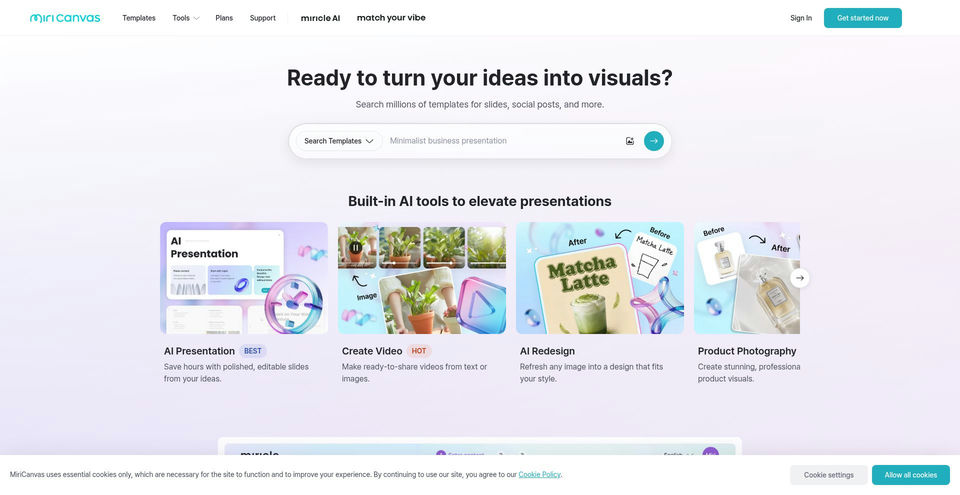

Create presentations, social posts, posters, and other designs with templates and built-in AI tools.