

Giga Chat
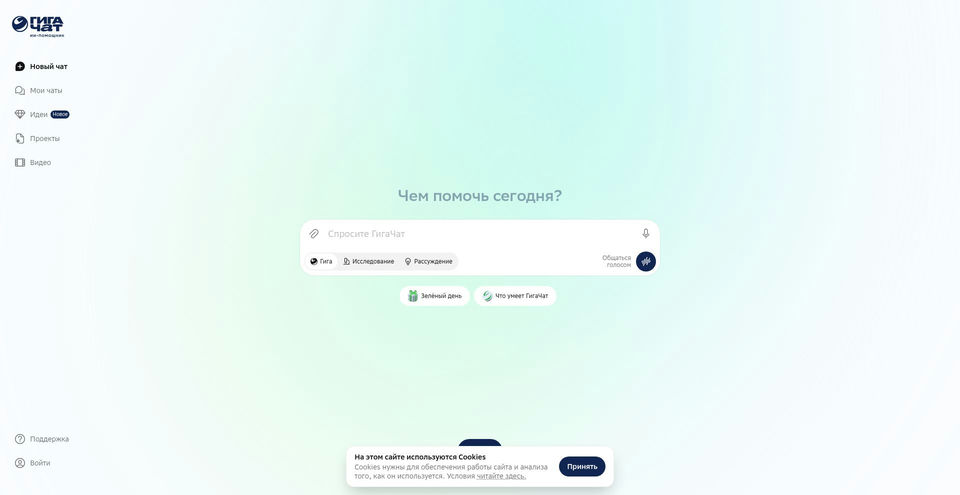
A Russian-language AI assistant for chat, writing, image, audio, and document tasks.
Giga Chat 是什麼?
Giga Chat 的主要功能與特色
使用方式
- 1Open giga.chat and choose a suggested prompt or enter a question in the chat box.
- 2Attach a supported file or use voice input when the task involves a document, image, or audio.
- 3Review the generated response and ask a follow-up or try a suggested next step.
- 4Sign in with Sber ID if you need to download generated files or save your conversation.
使用情境與玩法
- Draft, revise, proofread, or summarize Russian-language text.
- Ask questions about an image, document, link, or video.
- Use voice input or spoken conversation for hands-free interaction.
- Generate an image or presentation from a written prompt or supplied materials.
- Explore source-oriented research and reasoning modes for more involved questions.
限制與注意事項
- GigaChat may make mistakes; the interface explicitly tells users to check its answers.
- Signing in with Sber ID is required to download files from responses and preserve conversations.
- The reviewed public demo response is generated by the model, not a static feature specification; availability may vary by account or current release.
- The interface and reviewed help materials are Russian-language; broader language support was not verified.
- No public subscription price or plan page was found during this review.
關於 Giga Chat 的常見問題
GigaChat is Sber’s AI assistant, available through the giga.chat web interface.
The public in-product demo lists text writing and editing, image understanding and generation, audio and voice, file and link analysis, video summaries, presentations, and Research and Reasoning modes.
The in-product demo says it can interpret images and generate new images from a text description.
The interface offers voice chat and voice input; the public demo also says it can analyze audio recordings.
No. The interface says you must sign in with Sber ID to download files from a response.
The interface prompts you to sign in if you want conversations saved.
No. The interface warns that GigaChat can make mistakes and asks users to check its answers.
產品規格
Giga Chat 的熱門替代工具
探索 聊天與對話 · 人工智慧聊天機器人 中其他經過排名驗證的優質方案

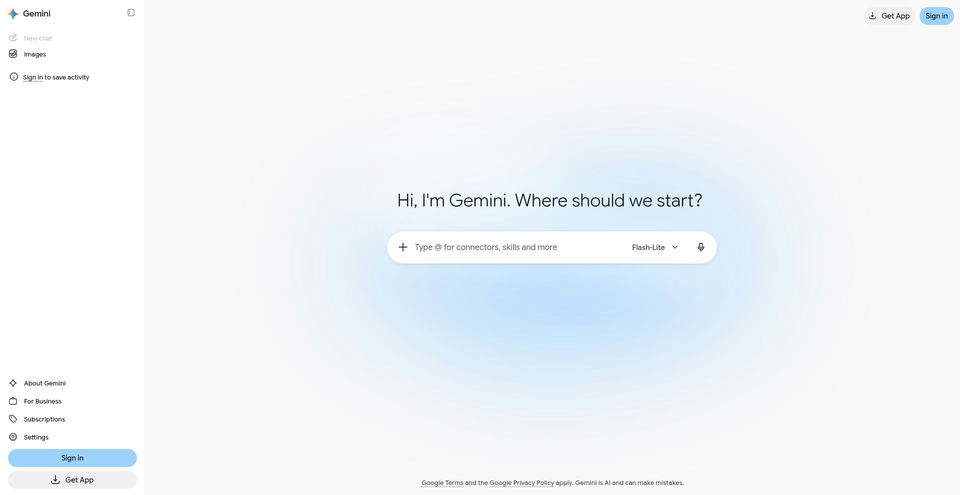

Google’s AI assistant can help with writing, planning, brainstorming, and analyzing uploaded files.
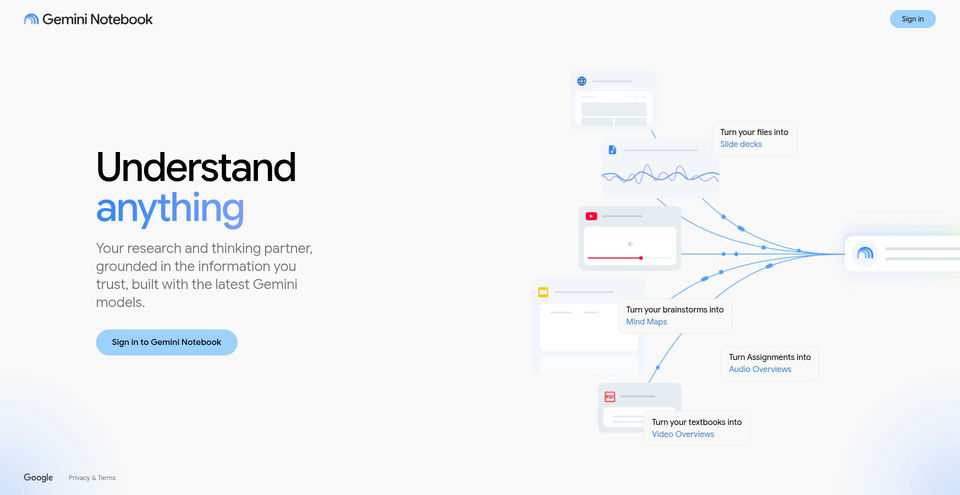

Research and learn from your own sources with an AI notebook that answers with inline citations.

Create, discover, and chat with AI characters for stories, roleplay, and voice conversations.