

Kimi
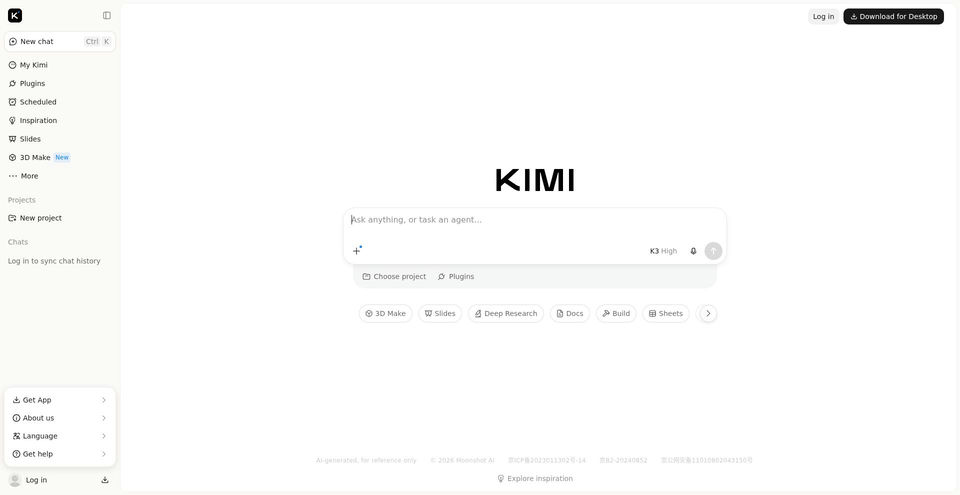
Chat with Kimi or delegate research, documents, and development tasks to agents.
Kimi 是什麼?
Kimi 的主要功能與特色
使用方式
- 1Start a chat or choose a feature such as Slides, Docs, Deep Research, or 3D Make; describe the task and provide the relevant prompt or source material.
- 2For Kimi Work, install the desktop app and explicitly mount a local folder when the task needs access to local files.
- 3For coding, use Kimi Code in its desktop app, terminal CLI, or supported IDE integration; configure the matching platform and API key where applicable.
- 4Review the response or generated files, then continue refining in the same chat, project, or workspace.
使用情境與玩法
- Research a question and compile a report from sources.
- Create or revise documents, spreadsheets, presentations, and websites.
- Delegate multi-step tasks to agents and scheduled workflows.
- Work with local project files through Kimi Work.
- Use Kimi Code to analyze and change software projects from a terminal, IDE, or desktop app.
限制與注意事項
- Global plans and mainland China plans differ. The global pricing page lists Free, Plus, Pro, Max, and Ultra; the mainland page lists Go, Plus, Pro, Max, and Ultra with RMB prices. Confirm the current price and eligibility in the purchase page for your region.
- Membership features share a monthly usage pool based on token consumption; unused allowance expires at the end of its billing cycle and does not carry over.
- The mainland Go plan does not include Kimi Code; Plus and higher do. New mainland plans have a rolling five-hour Kimi Code limit; legacy plans may also have a weekly limit.
- Kimi Code membership and the Open Platform API use different Base URLs, keys, and billing: Code is covered by a membership allowance; Open Platform API is pay-as-you-go.
- Image input in Kimi Code depends on whether the selected model supports image input.
- Kimi Work tasks and history remain on the computer where they were created, although normal Chat-mode history syncs across web, desktop, and mobile.
關於 Kimi 的常見問題
The official product and help pages list chat, Agent mode, Kimi Work, plugins, scheduled tasks, documents, spreadsheets, Slides, Deep Research, website creation, 3D Make, and Kimi Code.
The global pricing page lists Free at $0; Plus at $19 monthly or $180 billed annually; Pro at $39 monthly or $372 annually; Max at $99 monthly or $948 annually; and Ultra at $199 monthly or $1,908 annually. The annual figures are upfront yearly charges.
The official mainland help page lists Go at ¥49/month or ¥468/year, Plus at ¥99/month or ¥948/year, Pro at ¥199/month or ¥1,908/year, Max at ¥699/month or ¥6,708/year, and Ultra at ¥1,399/month or ¥13,428/year.
The new mainland Go plan does not include Kimi Code; Plus and higher include it. The global page lists Kimi Code as included with Plus and higher tiers.
No. The help page gives different Base URLs and keys; Kimi Code uses the membership allowance, while the Open Platform API is billed by usage.
No. The help page says features share a monthly token-based allowance, which refreshes each billing cycle and does not carry over.
Kimi lists web, iOS, Android, and HarmonyOS. Kimi Work supports Windows and Apple silicon Macs; Kimi Code desktop supports macOS, Windows, and Linux, with CLI and IDE integrations. A Kimi browser extension is listed for Chrome and Edge.
Yes. The desktop app can read, process, and create files in folders that the user mounts and authorizes.
產品規格
官方資源與入口
Kimi 的熱門替代工具
探索 聊天與對話 · 人工智慧聊天機器人 中其他經過排名驗證的優質方案


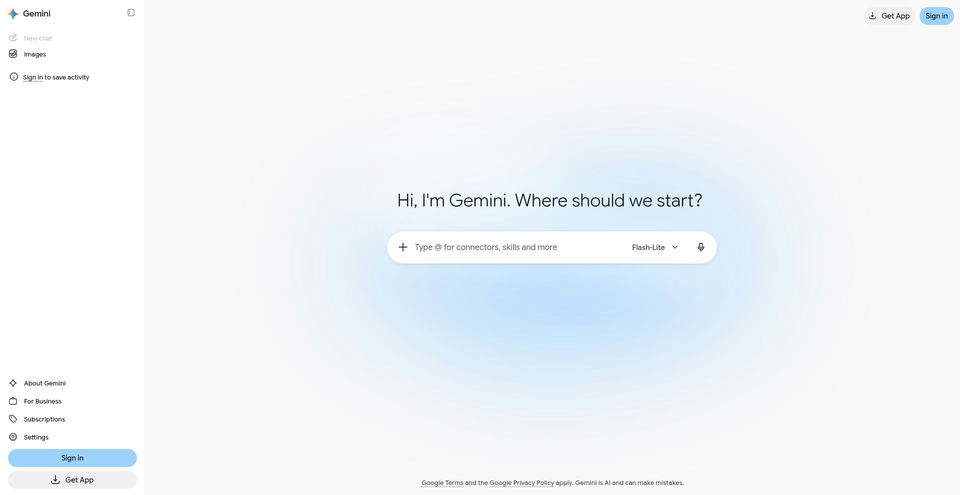

Google’s AI assistant can help with writing, planning, brainstorming, and analyzing uploaded files.
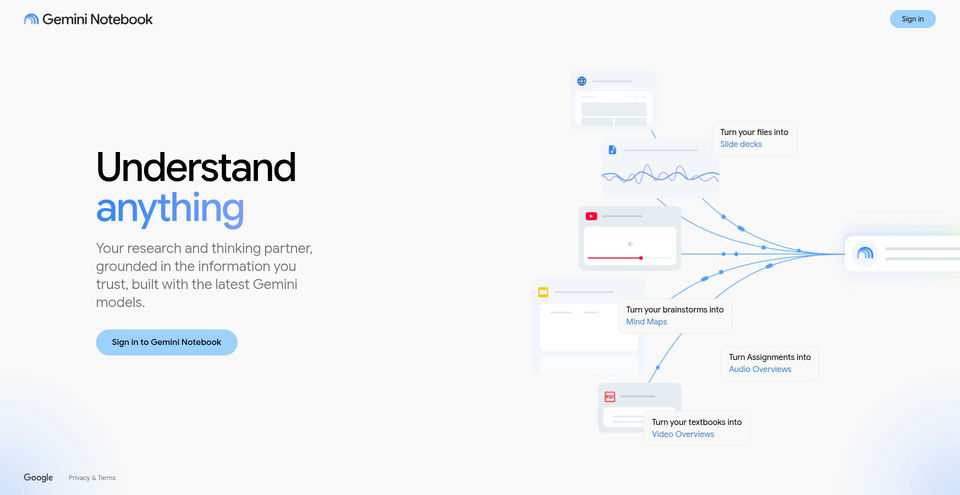

Research and learn from your own sources with an AI notebook that answers with inline citations.
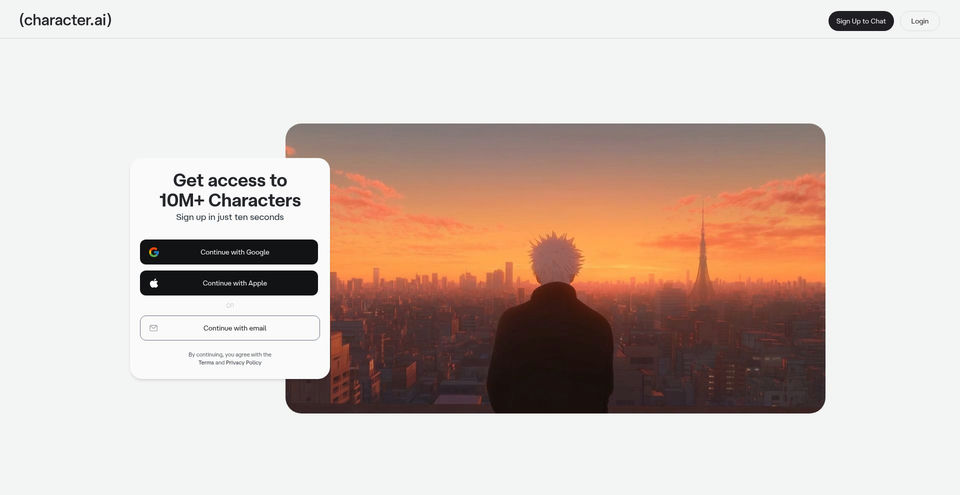

Create, discover, and chat with AI characters for stories, roleplay, and voice conversations.