OpenClaw
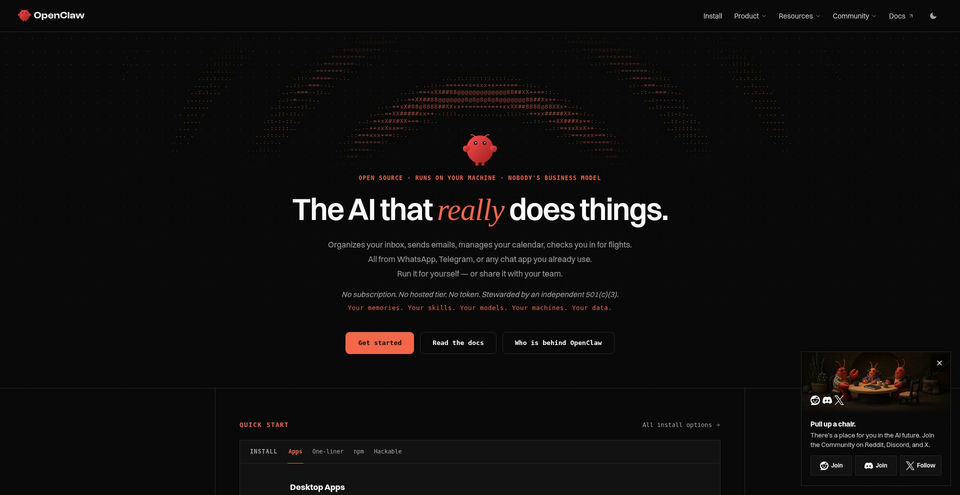
Run an open-source AI assistant on your own machine and use it through messaging apps.
OpenClaw 是什麼?
OpenClaw 的主要功能與特色
使用方式
- 1Install the desktop app or follow the official command-line installer for macOS, Windows, or Linux.
- 2Run the onboarding flow, choose a model provider, and authenticate or configure its API key.
- 3Connect a messaging channel and configure access rules such as pairing or an allowlist.
- 4Chat with the assistant through the browser dashboard or a connected messaging app.
- 5Review permissions and run the OpenClaw security audit before enabling additional tools or access.
使用情境與玩法
- Organize an inbox and draft or send email
- Manage calendars and reminders
- Use an AI assistant through familiar messaging channels
- Automate personal workflows with local files and configured tools
- Connect local or hosted models to a self-hosted assistant
限制與注意事項
- OpenClaw requires installation and configuration of a local Gateway; this is more involved than a hosted chat service.
- The software is open source, but model-provider inference or API usage may incur separate fees according to the chosen provider.
- Granting access to files, email, calendars, messaging channels, or shell tools can expose data or allow actions; the project documents pairing, allowlists, sandboxing, and permissions that administrators should configure.
- The current installation page lists macOS 15+, Windows 10/11, and Linux x64; some features and setup paths depend on the operating system and channel.
關於 OpenClaw 的常見問題
OpenClaw is open-source software that runs on your machine. Using a hosted model provider may incur separate API or subscription charges.
The current install page lists macOS 15+, Windows 10/11, and Linux x64.
The current project pages list channels including WhatsApp, Telegram, Discord, Slack, Signal, and iMessage, alongside other integrations.
Yes. The provider directory documents local model runtimes as well as hosted model providers.
Install the desktop app or CLI, run onboarding to configure a model provider, connect a channel, and open the dashboard or message the assistant.
The security guide documents pairing, allowlists, tool permissions, sandboxing, and the `openclaw security audit` command. Configure access deliberately before connecting sensitive accounts or tools.
產品規格
OpenClaw 的熱門替代工具
探索 聊天與對話 · Chat 中其他經過排名驗證的優質方案