

Midjourney
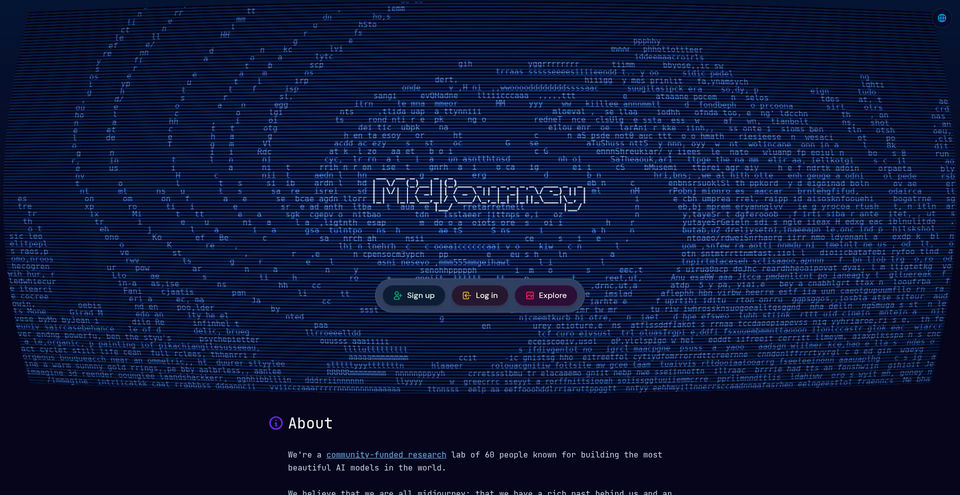
FEATUREDCreate images and videos from text prompts with Midjourney’s generative models.
Midjourney là gì?
Khả năng và điểm nổi bật của Midjourney
Cách sử dụng
- 1Create or sign in to a Midjourney account at midjourney.com.
- 2Choose a subscription plan and complete the subscription flow.
- 3Open the Create page and enter a descriptive image prompt.
- 4Review generated results and use editing or variation tools to refine them.
- 5Use available image or video generation modes within the plan’s GPU and feature limits.
Trường hợp sử dụng và ý tưởng
- Create concept art and visual references
- Develop illustrations and campaign imagery
- Explore visual directions from text prompts
- Create and refine images for personal or commercial projects
- Generate short AI videos from image prompts
Giới hạn và lưu ý
- Midjourney plans are paid subscriptions that renew monthly or yearly unless canceled.
- The Basic plan includes 200 minutes of Fast GPU time per month and does not include Relax image generation.
- Stealth Mode is available only on Pro and Mega plans; creations in shared public spaces can still be visible to others.
- Midjourney’s terms require companies or employees of companies with over US$1 million in annual revenue to use Pro or Mega to own assets.
- Output quality and results can vary with prompts and the generation system.
Câu hỏi thường gặp về Midjourney
The current official plan comparison lists four paid subscriptions: Basic, Standard, Pro, and Mega.
The official comparison lists monthly prices of US$10, US$30, US$60, and US$120 for Basic, Standard, Pro, and Mega. Annual billing is discounted 20% when paid upfront.
Standard, Pro, and Mega plans include unlimited image generations in Relax Mode. Basic does not.
Yes. The official plan chart includes video generation; unlimited SD video Relax Mode is available on Pro and Mega.
Stealth Mode, available on Pro and Mega, is designed to keep images and videos private. Assets posted in shared or open spaces may still be visible to others.
Subscribe, open the Create page, enter a prompt, and use the generated results and editing tools to refine the image.
Thông số sản phẩm
Tài nguyên và liên kết chính thức
Các lựa chọn thay thế hàng đầu cho Midjourney
Khám phá giải pháp nổi bật khác trong Hình ảnh và nghệ thuật thị giác · Image với thứ hạng đã xác minh

The open platform for discovering, building, sharing, and deploying machine-learning models, datasets, and AI applications.
Generate AI images, videos, audio, and short-form creative content with a multi-model studio.