

Photoroom
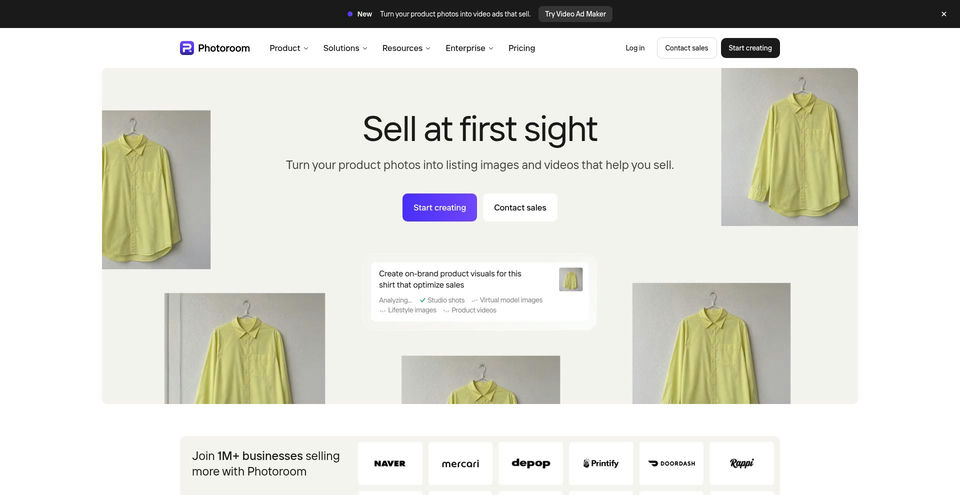
Create polished product photos, remove backgrounds, stage products in scenes, and make short video ads.
Photoroom là gì?
Khả năng và điểm nổi bật của Photoroom
Cách sử dụng
- 1Choose a tool such as Background Remover, Product Staging, or Video Ad Maker.
- 2Upload a product photo or photos, or import images from supported sources such as Shopify, Google Drive, or Dropbox.
- 3For Video Ad Maker, add up to six angles of the product and answer questions about format, length, character, audio, and language.
- 4Review the generated scene or video plan, adjust the result, and generate the final asset.
- 5Download the finished image or video for product listings or social campaigns.
Trường hợp sử dụng và ý tưởng
- Prepare clean product images for ecommerce listings
- Place products in realistic lifestyle scenes without a photo shoot
- Create short product video ads for Meta, TikTok, and YouTube
- Produce branded product visuals for apparel, beauty, home, and tech products
- Create multiple product assets from existing photos
Giới hạn và lưu ý
- Video Ad Maker is available on Max and Ultra plans, not Pro.
- The pricing page lists monthly allowances of 8,000 AI credits and 1,000 exports for Pro, 25,000 credits and 3,000 exports for Max, and 75,000 credits and 10,000 exports for Ultra; prices were not displayed in the captured page.
- Image and video tools consume plan credits and exports; allowance and feature access depend on plan.
- Some advanced features, including 4K images and HD video, are restricted to higher plans.
Câu hỏi thường gặp về Photoroom
Photoroom helps create product images and marketing assets, including background removal, AI-generated scenes, and product video ads.
Yes. Video Ad Maker accepts up to six product photos, asks about the video format and style, then creates a video plan, script, and voice-over.
The current pricing page lists video for ads and product pages on Max and Ultra; it is not included in Pro.
The official Video Ad Maker page names Meta, TikTok, and YouTube.
The pricing page lists Pro with 8,000 AI credits and 1,000 exports per month, Max with 25,000 credits and 3,000 exports, and Ultra with 75,000 credits and 10,000 exports.
The official pages list iPhone, Android, and web apps.
Thông số sản phẩm
Tài nguyên và liên kết chính thức
Các lựa chọn thay thế hàng đầu cho Photoroom
Khám phá giải pháp nổi bật khác trong Hình ảnh và nghệ thuật thị giác · Trình chỉnh sửa ảnh & hình ảnh với thứ hạng đã xác minh


AI tools for editing, enhancing, generating, and animating images and videos.