

Chatbot App
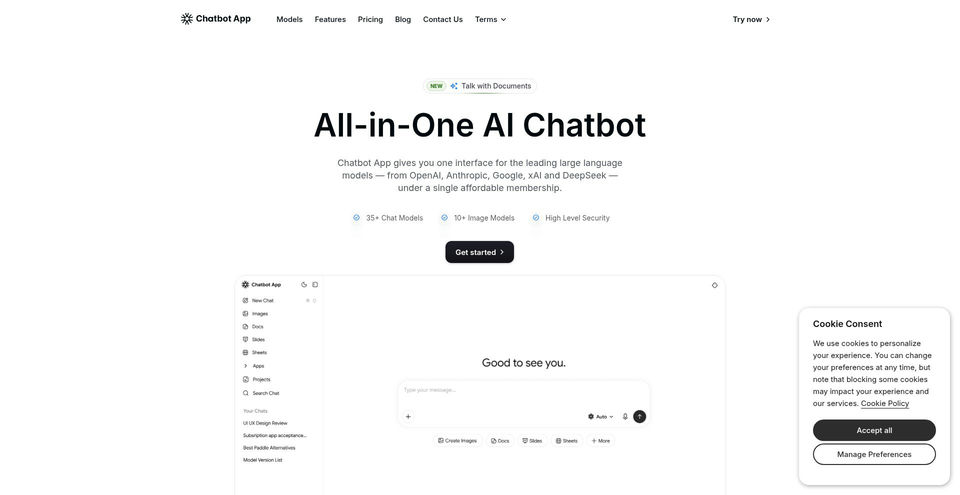
Use multiple third-party AI chat and image models, document tools, and web search through one browser-based subscription.
Apa itu Chatbot App?
Kapabilitas Utama & Keunggulan Chatbot App
Cara menggunakan
- 1Open the Chatbot App web interface in a browser and sign up or log in; the app prompts for authentication before it submits a message.
- 2Choose a model or use the Auto selector, then enter a prompt. The marketing site says users can compare outputs across models.
- 3Attach a supported document or image when the selected plan and feature permit it, then ask for a summary, extraction, or analysis.
- 4Use web search for current information; Pro users can also select Deep Research or Agent Mode.
- 5For image generation, choose an available image model in the Pro plan and describe the image or requested edit.
Kasus penggunaan dan ide
- Compare responses from multiple model providers for research, drafting, and general questions.
- Draft, rewrite, explain, or summarize text with a selected chat model.
- Ask questions about PDFs, Excel files, and images, or extract key details from documents.
- Generate images with one of the advertised image models on Pro.
- Search the web or use Pro research and agent workflows for multi-step information gathering.
Batasan dan hal yang perlu diketahui
- Chatbot App is an independent service, not OpenAI, Anthropic, Google, xAI, or DeepSeek; availability of specific third-party models is controlled by the service and provider.
- The exact provider model roster can change. The site’s 35+ chat models and 10+ image models are vendor counts, not a fixed availability guarantee.
- The service requires account sign-in before a prompt is sent; account-based operation was not tested in this review.
- Usage limits apply, and the provider may change plans and prices. The free tier has limited messages and only limited access to one OpenAI model; many tools are Pro-only.
- The published Pro price is $29.99/month after a $1.99 one-week trial. The pricing page also shows quarterly and six-month selectors, but their price change was not observable during this review.
- Prompts and attached files are sent to the selected model provider and processed under that provider’s API terms, according to the privacy policy; the policy says prompts are not shared with other model providers.
- The privacy policy says the service is not intended for users under 16 or a higher local legal minimum.
- The refund policy says purchases are generally non-refundable, with stated conditions and exceptions; users should review the current policy before subscribing.
Pertanyaan yang Sering Diajukan tentang Chatbot App
It is an independent browser-based service that combines third-party AI chat and image models in one interface; it is not owned by those model providers.
The site advertises 35+ chat models and 10+ image models from providers including OpenAI, Anthropic, Google, xAI, and DeepSeek. Exact availability can change.
Yes. The pricing page lists limited messages, basic web search, and limited access to one OpenAI model. Many features and providers are listed under Pro.
The page lists a one-week introductory trial for $1.99, then $29.99 billed monthly. It also displays quarterly and six-month billing options; their prices were not verified in this review.
The Pro plan lists uploads and chat with PDFs, Excel files, and images. The homepage also advertises document chat.
Yes. The site advertises image creation with 10+ models as a Pro feature.
According to its privacy policy, prompts and attachments are sent to the selected model provider and processed under that provider’s API terms; prompts are not shared with other model providers.
The privacy policy says the service is not intended for anyone under 16 or any higher minimum age required by applicable law.
Spesifikasi Produk
Sumber dan Tautan Resmi
Alternatif Teratas untuk Chatbot App
Jelajahi solusi unggulan lain di Obrolan & Percakapan · AI Obrolan dengan peringkat terverifikasi

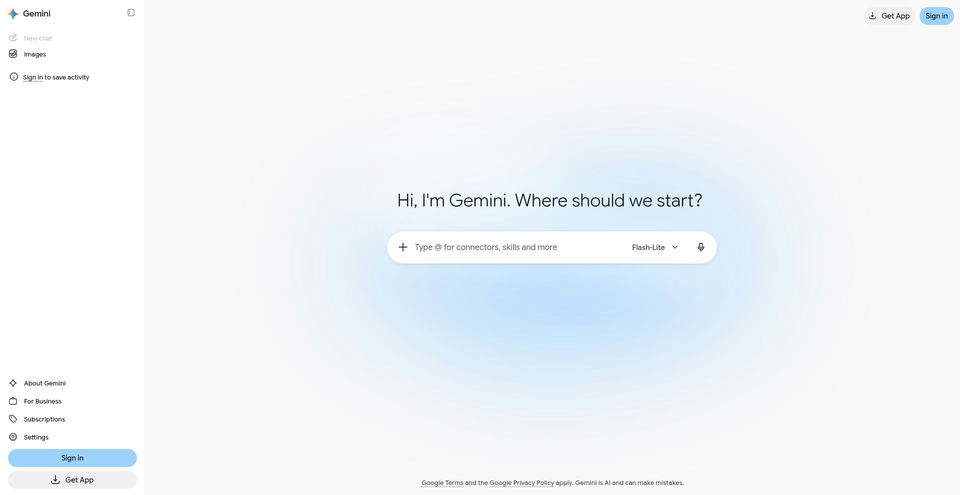

Google’s AI assistant can help with writing, planning, brainstorming, and analyzing uploaded files.
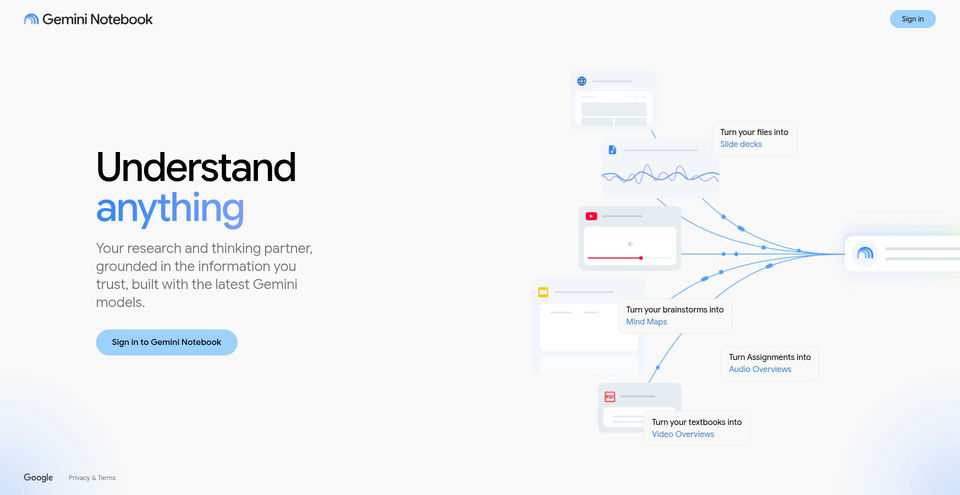

Research and learn from your own sources with an AI notebook that answers with inline citations.

Create, discover, and chat with AI characters for stories, roleplay, and voice conversations.