

Character.ai
Create, discover, and chat with AI characters for stories, roleplay, and voice conversations.
Character.aiとは?
Character.aiの主な機能と特長
使い方
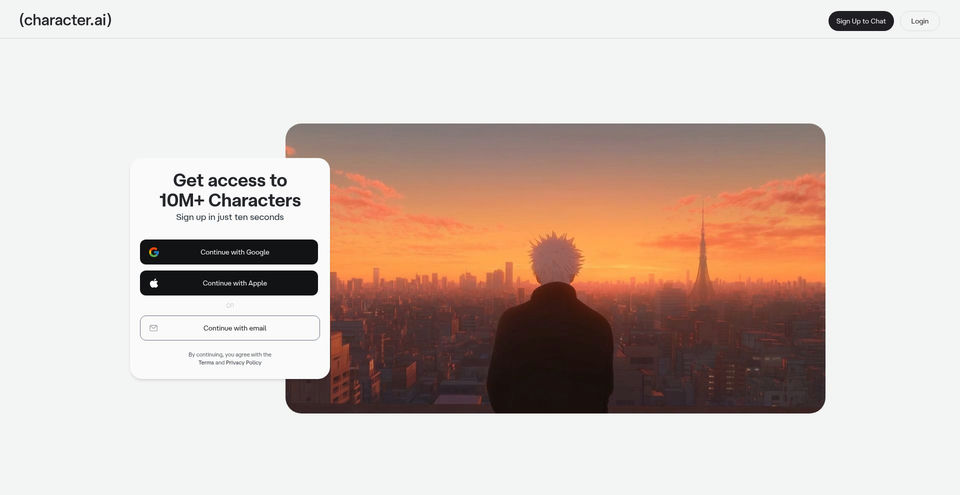
- 1Create an account with Google, Apple, or email from the Character.AI home page.
- 2Browse the character library and open a character to start a text conversation, or use Character Calls for a two-way voice conversation.
- 3To build a character, choose Create and then Create a Character; set its name, greeting, avatar, short or long description, optional voice, and visibility, then save.
- 4For more control, use the Character Guide's Advanced mode and optional attributes such as the character definition.
- 5On the mobile app, open Create and choose Voice to record or upload an audio sample; choose whether the resulting voice is private or public.
活用例とアイデア
- Explore interactive fiction, roleplay, and improvised story scenarios with existing or user-created characters.
- Build and share character-based games, settings, and conversation experiences with a creator community.
- Brainstorm dialogue, story ideas, or creative scenarios through open-ended character conversations.
- Have spoken conversations with characters using Character Calls, or add a voice to a character in the mobile app.
- Use character conversations for casual exploration and practice while independently checking factual claims.
制限事項と注意点
- Character.AI warns that characters can confidently invent false information; responses are not a reliable factual source.
- The official Character Guide says characters may forget details from earlier in long conversations and behavior can shift after system updates or feedback.
- Free messaging is unlimited, but free users may enter a waiting room during periods of high traffic. c.ai+ includes a waiting-room skip perk.
- The daily allowance of premium chat-style messages on c.ai lite is not specified in the captured documentation; chats continue using standard styles after the daily allowance is used and reset the next day.
- Character Voice is a one-way voice feature for one-to-one chats on iOS and Android; Character Calls are a separate two-way voice feature that the FAQ lists on web.
- The current c.ai lite FAQ lists US starting prices and says pricing varies by country. A universal current c.ai+ price was not found in the captured official pages.
Character.aiに関するよくある質問
Character.AI is an interactive entertainment platform for discovering, creating, and conversing with AI characters. The official About page describes uses including storytelling, gaming, social connection, and creative expression.
Yes. The official Character Guide supports Quick and Advanced creation. The quick guide describes entering a name, greeting, avatar, description, optional voice, and visibility before saving.
Yes. Character Calls support two-way spoken conversations and are available on the web according to the official FAQ. Character Voice is a separate feature for assigning or creating voices on the iOS and Android app.
No. Character.AI says its characters may make things up or confidently provide false information. Verify important facts with reliable sources.
Yes. The current c.ai+ FAQ says free users continue to have unlimited messaging. Paid plans add premium styles and other benefits; availability depends on the plan.
The official FAQ lists c.ai lite starting at $4.99 USD per month in the US, with a weekly option and regional prices that vary. Check the subscription screen for the current local price.
Yes. Character.AI links to official iOS and Android apps as well as its web app.
Character.aiの主な代替ツール
ランキングで確認されたチャット・会話 · AIチャットボットの他の有力ツールを見る


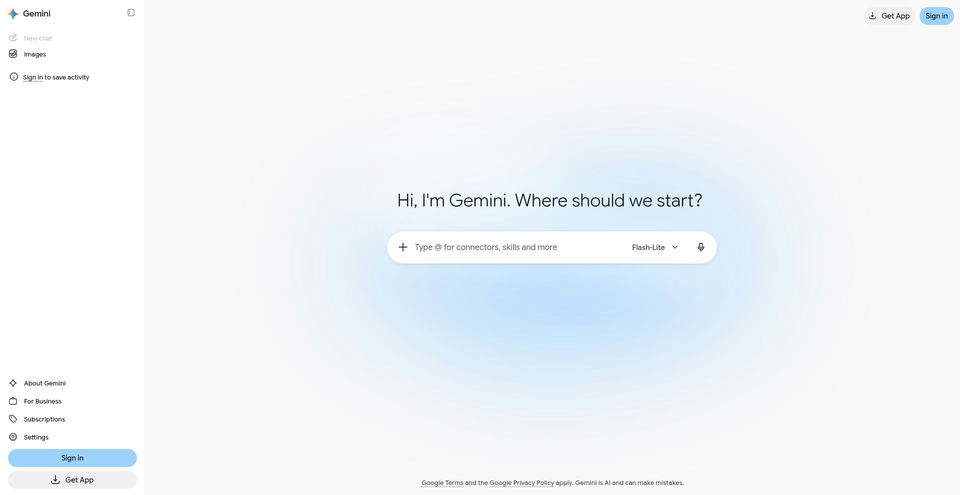

Google’s AI assistant can help with writing, planning, brainstorming, and analyzing uploaded files.
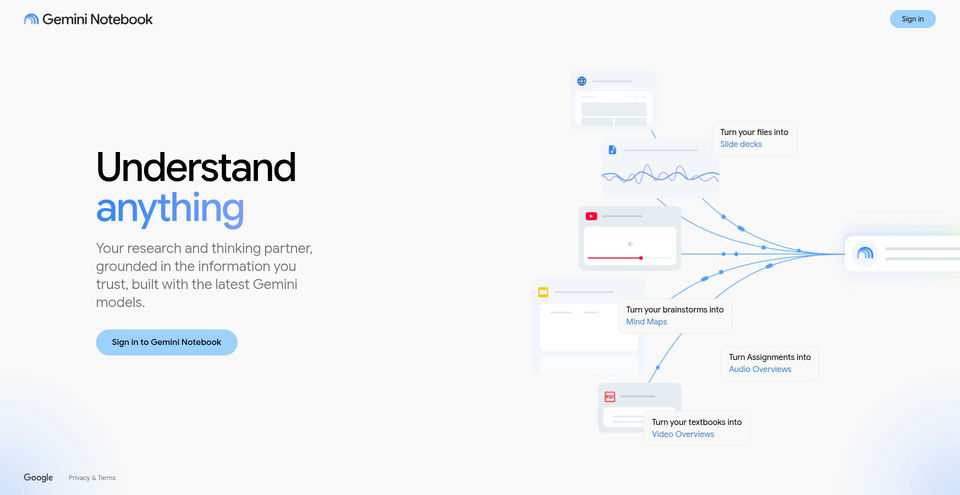

Research and learn from your own sources with an AI notebook that answers with inline citations.