

Gemini Notebook
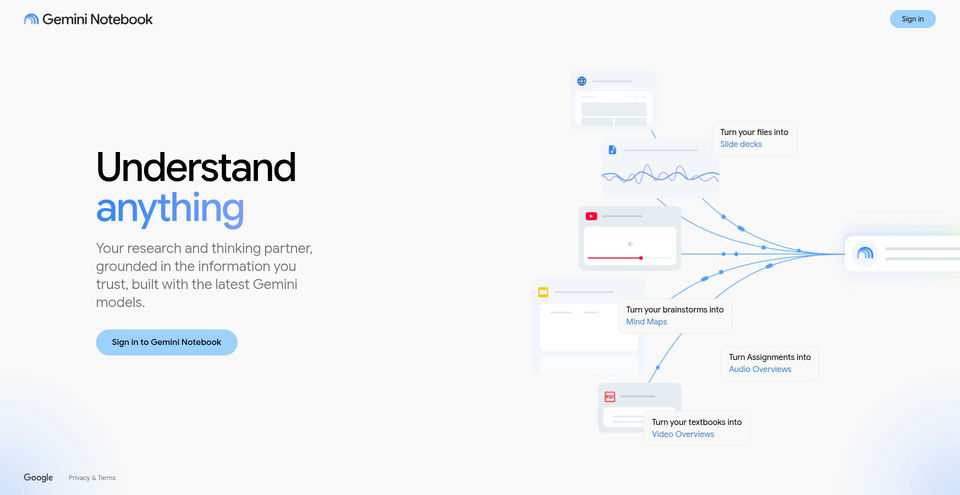
Research and learn from your own sources with an AI notebook that answers with inline citations.
Gemini Notebookとは?
Gemini Notebookの主な機能と特長
使い方
- 1Create a notebook for a topic, project, class, or research task.
- 2Add source materials such as PDFs, websites, videos, and other supported files or sources.
- 3Ask a question about the notebook and check the inline citations to see which sources support the answer.
- 4Generate an artifact such as an Audio Overview, Slide deck, Flashcards, Report, or Video Overview from your sources.
- 5Review the output, add or refine sources as needed, and use the web or mobile app to continue across devices.
活用例とアイデア
- Study from class materials by creating Audio Overviews, Flashcards, or other study aids.
- Synthesize research documents and discover connections across a large source set.
- Build a source-grounded help notebook from support articles, product documentation, and release notes.
- Prepare sales research, customer meeting briefs, or pitch Slides from product information and call transcripts.
- Turn training manuals, onboarding videos, or marketing materials into visual and audio learning content.
制限事項と注意点
- The standard plan lists a limit of up to 50 sources per notebook; paid Google AI plans raise limits, but exact chat and artifact quotas are not stated on the plans page.
- Google AI Plus, Pro, and Ultra plans are available only in specific regions; access to paid features depends on plan and location.
- Public notebook sharing is enabled only for consumer accounts, according to the official plans page.
- Google says individual data is not used to train Gemini Notebook unless the user submits feedback; submitted feedback may include prompts, uploads, sources, and outputs and can be reviewed to improve the product.
Gemini Notebookに関するよくある質問
Yes. Google’s official FAQ says NotebookLM became Gemini Notebook in July 2026 and existing notebooks remain accessible.
The official Get the App page lists PDFs, websites, videos, and more. Source Discovery and Deep Research are also listed on the plans page.
Gemini Notebook is designed to ground answers in the notebook materials and show inline citations, so you can check the cited sources.
The official plans page lists Slides, Audio Overviews, Flashcards, Reports, Video Overviews, and other artifacts, depending on the feature and plan.
Yes. The official app page says the mobile app is available on iOS and Android, and that notebooks, sources, and supported artifacts sync across devices.
The standard personal plan includes standard limits and up to 50 sources per notebook. Google AI Plus, Pro, and Ultra offer higher limits; exact prices are not shown on the Gemini Notebook plans page and paid plans are region-limited.
Gemini Notebookの主な代替ツール
ランキングで確認されたチャット・会話 · AIチャットボットの他の有力ツールを見る


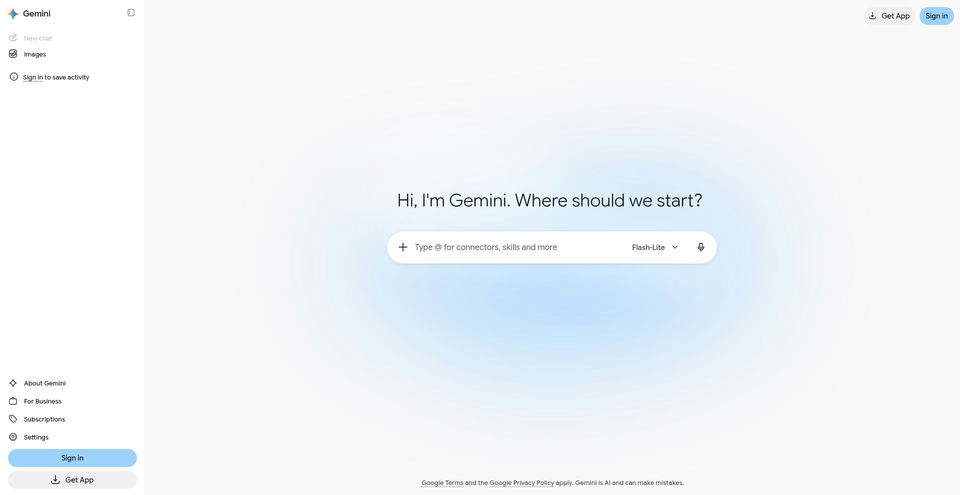

Google’s AI assistant can help with writing, planning, brainstorming, and analyzing uploaded files.
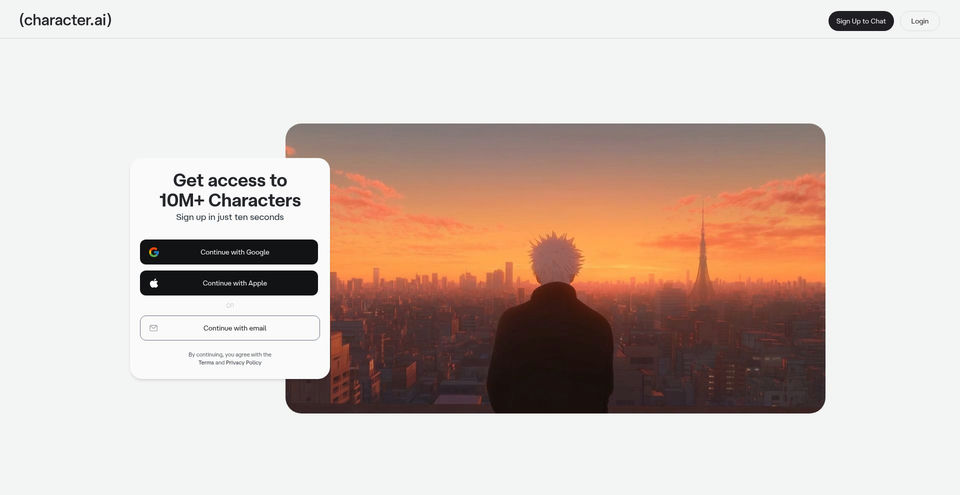

Create, discover, and chat with AI characters for stories, roleplay, and voice conversations.