

DeeVid AI
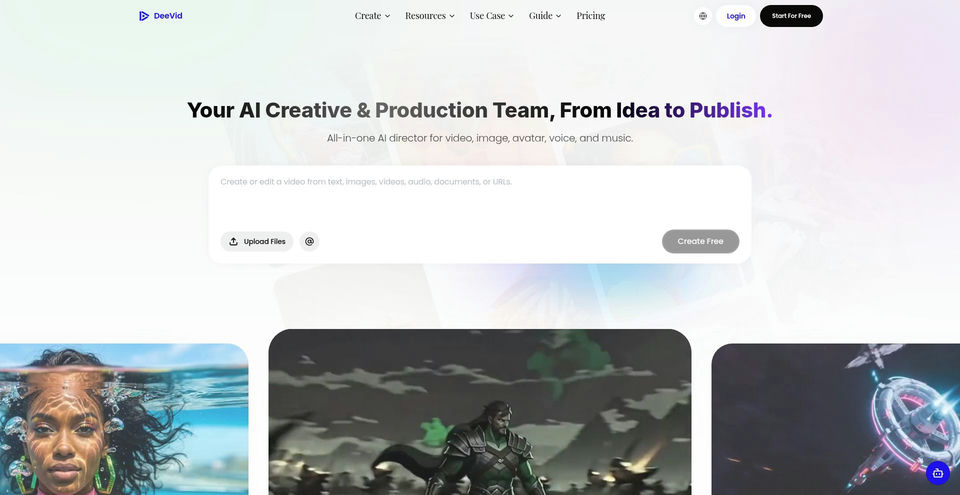
AI video and media creation workspace with video, image, avatar, voice, and music tools.
What is DeeVid AI?
DeeVid AI Key Capabilities & Highlights
How to use
- 1Open the web video workspace and choose AI Video, AI Image, or AI Audio.
- 2Pick a workflow such as text-to-video or image-to-video, then select a model and output settings.
- 3Describe the result or load one of the built-in examples; add reference media if needed.
- 4Review the credit or unlimited-model setting, then sign in and create the output. Generation was not submitted during this review.
Use cases and ideas
- Create short social videos from prompts or still images.
- Produce product or advertising video variants.
- Create images, avatars, voiceovers, and music for multimedia projects.
- Use a single workspace to draft, edit, and organize AI-generated media.
Limitations and things to know
- The public editor allowed browsing controls and loading an example, but generation requires sign-in and may consume credits; it was not submitted in this review.
- Free users receive 20 credits upon registration according to the pricing FAQ; generated videos carry watermarks on the free tier.
- Unlimited generation applies only to selected models and qualifying Pro or Premium plans, not every model.
- The pricing page lists full commercial use for paid plans; the Terms leave users responsible for third-party rights and legal risks.
- The Terms require users to be at least 13 (or a higher local consent age); users under 18 need guardian permission.
Frequently Asked Questions about DeeVid AI
Its current tool menu covers AI video and image creation, music, text-to-speech, avatars, effects, AI ads, and workspaces including Creative Agent, Canvas and Timeline.
The pricing FAQ says new registrations receive 20 free credits, approximately four videos. Creating output requires an account and consumes credits unless the selected model is marked unlimited.
The pricing page displayed Lite at $10/month, Pro at $25/month, and Premium at $119/month. Annual billing was shown as $120, $300, and $1,428 respectively; the page also shows higher crossed-out monthly reference prices. Prices may change.
The pricing page says unlimited generation is available on Pro or Premium, but only for selected models. The listed number of unlimited-generation models is one on Pro and four on Premium.
The pricing page lists full commercial use as a paid-plan benefit. The Terms say users are responsible for rights and infringement risks; verify model-specific and third-party rights before commercial use.
DeeVid lists web browsers and computer use on Windows/Mac, plus iOS and Android apps. The Terms set a minimum age of 13 or the higher local digital-consent age; users under 18 need guardian permission.
The Privacy Policy says inputs and outputs are not used to train its AI models. It says outputs and inputs are deleted as soon as possible unless saved by the user, while user content may be licensed to operate, maintain and improve the service.
Product Specifications
Official Resources & Portals
Top Alternatives to DeeVid AI
Explore other leading solutions in Video · AI Video Generator with verified rankings

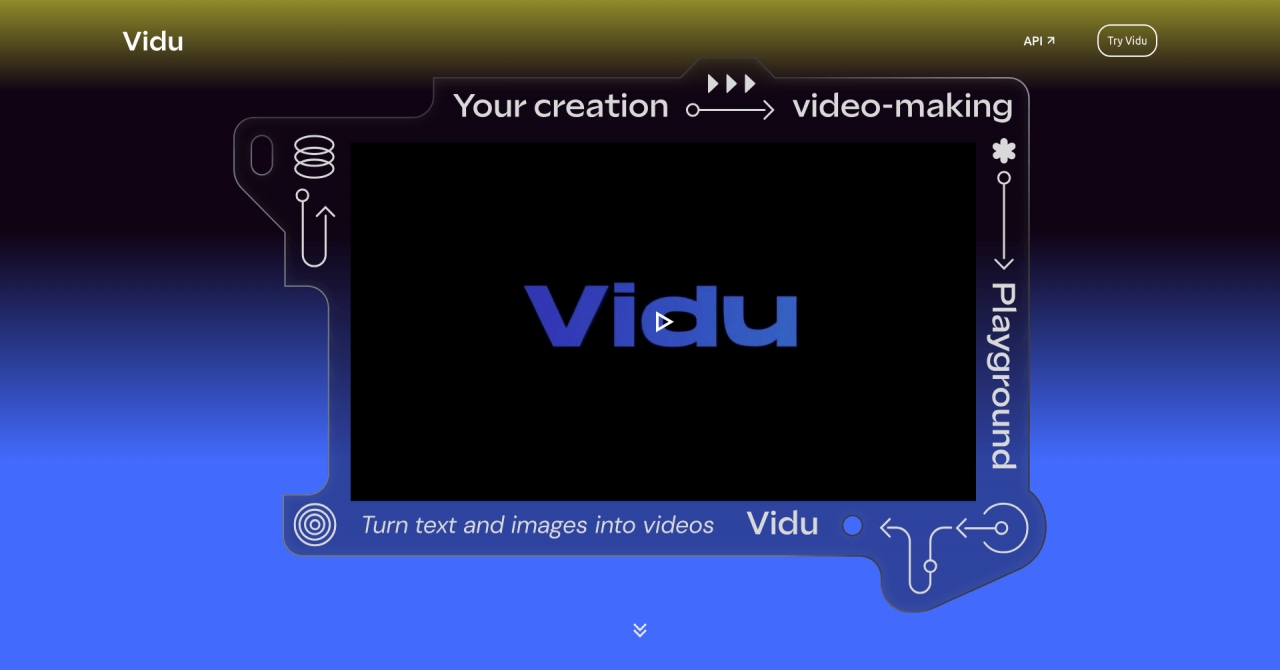

Vidu AI is a powerful AI video generator that creates high-quality videos efficiently and effectively.


Deep Nostalgia Ai Generator transforms old family photos into moving videos, bringing cherished memories to life with AI art and customization options.
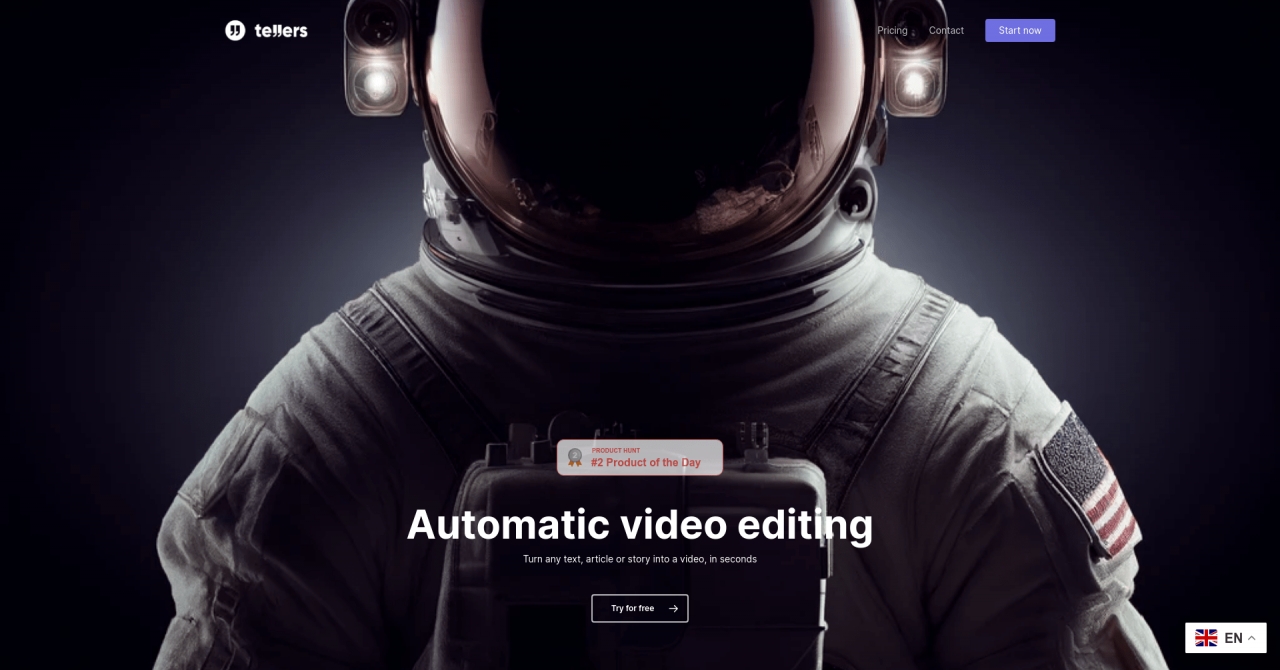

Turn any text, article, or story into a video with Tellers.ai. Improve SEO, reach new communities, and create B-Roll for easy video editing.