Glean
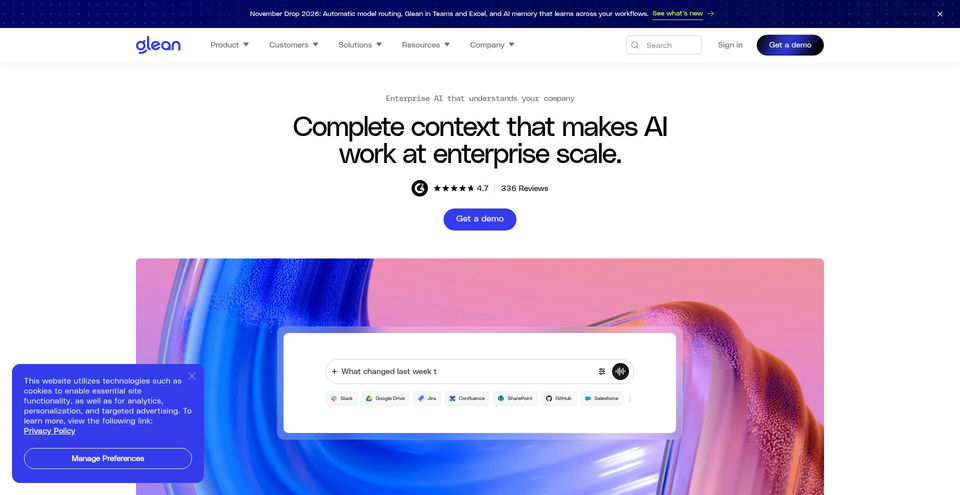
Enterprise Work AI platform combining permission-aware search, an AI assistant, and governed agents.
What is Glean?
Glean Key Capabilities & Highlights
How to use
- 1Have your organization arrange a Glean demo and enterprise account; no self-service personal plan is listed.
- 2Ask the company administrator to configure the tenant, connect supported work apps, and set access policies.
- 3Use Glean Search or Assistant to ask questions and create work grounded in connected company context.
- 4Build or use approved agents to carry out governed workflows across connected enterprise systems.
Use cases and ideas
- Find answers and documents across company apps without switching tools.
- Draft analyses, summaries, proposals, and other work grounded in internal knowledge.
- Coordinate and automate repeatable workflows through approved agents.
- Give teams permission-aware search and AI across collaboration, CRM, development, and business systems.
Limitations and things to know
- Glean is sold as an enterprise product; no public self-service price was found. The pricing route redirects to the homepage, and the official path is to request a demo.
- Glean apps require an account created by a company administrator; some apps and extensions also require administrator setup.
- The public Query marketing chat showed a suggested question but did not produce a response in this review; a Glean product account was not created.
- Several Assistant and Agent capabilities are labeled beta or coming soon on the official pages and may not be generally available.
- The public Privacy Statement explicitly says it does not apply to Glean Solutions. Product-level data terms, retention, and model-training controls were not confirmed from the pages captured here.
- The public website Terms apply to the website, not necessarily to an enterprise customer’s product agreement; review the contract and Trust Center for account-specific commitments.
Frequently Asked Questions about Glean
Glean is an enterprise Work AI platform combining company search, an AI assistant, and AI agents with connectors and governance for organizational data.
It searches across connected company applications and uses semantic retrieval and company context to return relevant, permission-aware results.
The official pages describe cited research, summaries, documents, presentations, dashboards, and other work grounded in connected company knowledge.
Glean Agents can be built and orchestrated to run multi-step workflows across connected systems. Some assistant and agent capabilities are marked beta or coming soon.
Glean lists more than 275 connectors, browser extensions, iOS and Android apps, desktop apps for macOS and Windows, plus integrations including Slack and Microsoft Teams.
No public rate card was found. The pricing route returned the homepage and Glean directs organizations to request a demo for pricing.
The official Download page says users need an account created by their company administrator; some apps and extensions may also need administrator setup.
Marketing pages say search respects connected source permissions and describes security and governance controls. The public Privacy Statement explicitly excludes Glean Solutions, so product-specific data processing and model-training terms should be confirmed in the enterprise contract and Trust Center.