GPTZero
Detect AI-written text, review writing, and support responsible classroom AI use.
What is GPTZero?
GPTZero Key Capabilities & Highlights
How to use
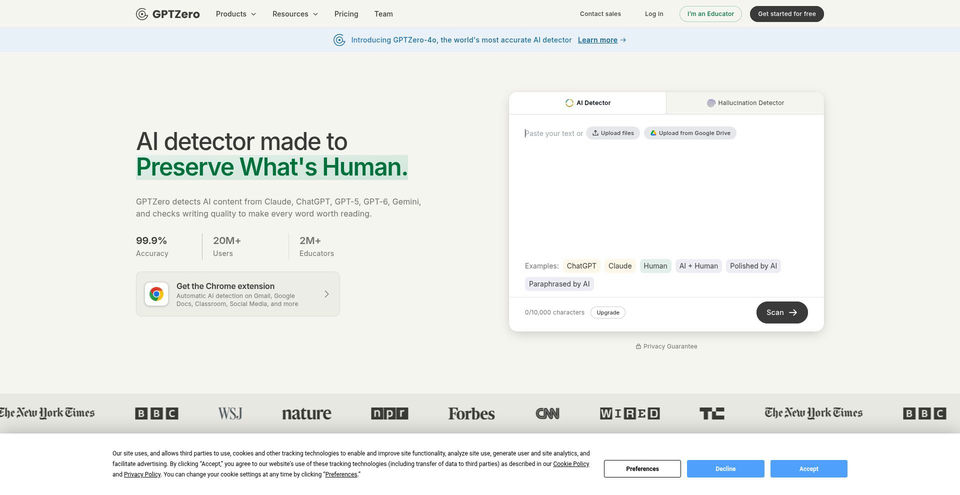
- 1Open the AI Detector and paste text or choose one of the built-in examples.
- 2Review the document-level result, confidence score, and highlighted sentences.
- 3For longer text or batch checking, create a free account; the FAQ lists up to 150,000 characters or 250 files.
- 4Use Writing Reports or supported document integrations to review writing activity and authorship signals.
- 5Use the grammar feedback, plagiarism checker, or source finder for the corresponding review task.
- 6For programmatic checks, consult the developer documentation and obtain an API key through the account interface.
Use cases and ideas
- Educators reviewing student writing as one signal in a broader conversation about AI use.
- Writers checking drafts for possible AI-generated sections or improving clarity and grammar.
- Students reviewing their own drafts and documenting writing process where supported.
- Organizations checking prose for AI indicators or integrating detection through an API.
- Researchers checking claims and finding sources with the source-finder workflow.
Limitations and things to know
- Detector classifications can produce false positives and false negatives; GPTZero says results should not be used alone to punish students.
- The FAQ says longer documents generally support more reliable document-level classification than paragraph or sentence checks.
- The FAQ notes performance is stronger for text similar to its mostly English prose dataset and weaker for heavily modified AI text or procedural writing.
- The public homepage detector accepts up to 10,000 characters; the FAQ lists a free-account limit of up to 150,000 characters or 250 files.
- The pricing page did not render numeric individual subscription rates during review; team plan rate and checkout price remain unverified.
- Built-in sample result was gated by hCaptcha and was not opened; no account was created and no user text was submitted.
Frequently Asked Questions about GPTZero
Its FAQ names ChatGPT, GPT-3 through GPT-6, Gemini, Claude, Copilot, and services based on those models.
The FAQ says a free account can check text up to 150,000 characters or a batch of up to 250 files. The public homepage field allows 10,000 characters.
No. GPTZero says false positives and false negatives occur and recommends that educators not use results alone to punish students.
GPTZero says document-level classification is generally more reliable than paragraph-level classification, which is generally more reliable than sentence-level classification.
Its official pages list writing feedback, Writing Reports, plagiarism checking, source finding, classroom integrations, a Chrome extension, and a developer API.
The pricing page reviewed showed free access and team-plan features but no numeric individual subscription prices. Check the official pricing page for current plan details.
GPTZero positions the detector as a prompt for further inquiry and recommends holistic assessment and review of writing history rather than relying on a single scan.