
Grok
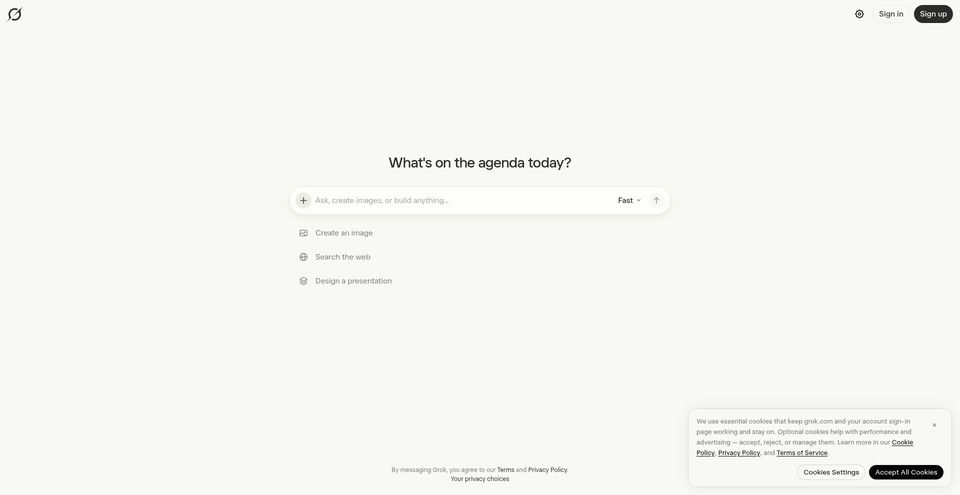
Chat, search the live web and X, reason, and create images or videos with Grok.
What is Grok?
Grok Key Capabilities & Highlights
How to use
- 1Open grok.com or the Grok app and sign in with an X or email account.
- 2Start a chat and choose a mode such as Fast, search, or reasoning; attach a file or image when useful.
- 3Use follow-up prompts to refine research, code, images, or video in the same conversation.
- 4Review citations and generated content, then save or share the conversation if needed.
Use cases and ideas
- Research current topics using web and X search with citations.
- Summarize or analyze documents, PDFs, screenshots, and diagrams.
- Draft, edit, debug, and explain code or build project changes.
- Generate and revise images and short videos from prompts or reference images.
- Use voice conversations for hands-free questions and follow-up.
Limitations and things to know
- The Free plan has limited AI usage; higher limits and some features require a paid subscription.
- Prices on the official page exclude applicable taxes or fees and may change.
- Paid subscriptions bundle Grok features with X features; plan entitlements and usage caps differ by tier.
- Grok’s privacy policy says use through the X platform is governed by X’s own terms and privacy policy, not the Grok.com policy.
- AI responses can be wrong or incomplete; verify important claims and cited sources.
Frequently Asked Questions about Grok
Grok is an AI assistant for chat, research, web and X search, coding, voice, image creation, and video generation.
Yes. The product page says Grok can search the live web and X and provide citations from sources.
Yes. Imagine supports text-to-image and text-to-video, plus editing with follow-up prompts; the product page lists video generation up to 15 seconds.
The product page lists file and PDF analysis, plus image understanding for screenshots, photos, and diagrams.
The product page lists web, iOS, and Android.
A Free plan is listed at $0/month with limited AI usage. Paid plans provide higher limits and additional capabilities.
The xAI pricing page lists Free at $0/month, Plus at $8/month, Premium at $30/month, Super at $100/month, Ultra at $200/month, and Teams from $30 per user/month; Enterprise pricing is custom. Prices may change and exclude taxes or fees.
Product Specifications
Official Resources & Portals
Top Alternatives to Grok
Explore other leading solutions in Software & Development · Coding with verified rankings