

Pixlr
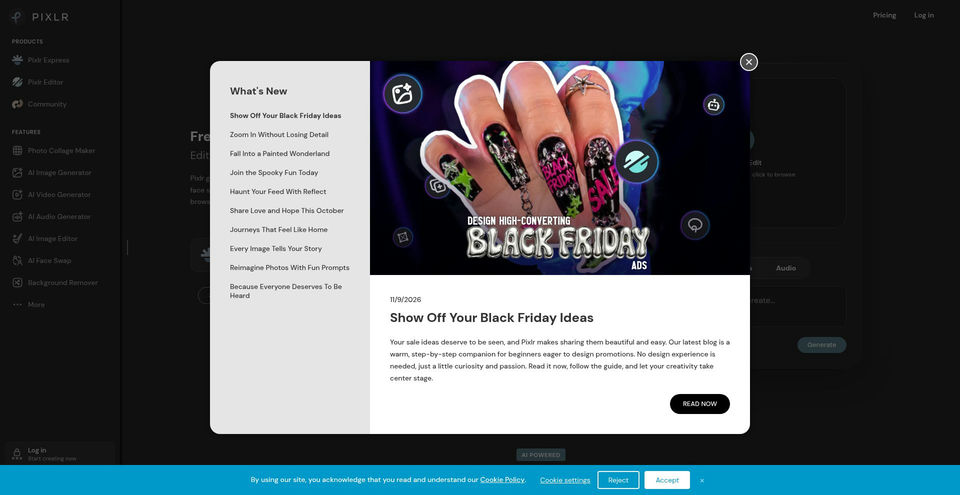
Edit photos and create images, videos, and audio with Pixlr’s browser-based creative tools.
What is Pixlr?
Pixlr Key Capabilities & Highlights
How to use
- 1Choose an editor or generative tool from Pixlr’s Products or Features menu.
- 2Upload an image or enter a prompt, then choose the model, style, aspect ratio, and other available settings.
- 3Generate or edit the media, review the result, and refine it with another prompt or Pixlr Express tools.
- 4Download the result or continue editing; check your plan’s monthly credit and concurrency limits.
Use cases and ideas
- Create social media graphics, campaign images, illustrations, and product visuals from prompts.
- Remove or replace image backgrounds and unwanted objects, or extend a canvas with Generative Expand.
- Make quick edits, collages, and photo enhancements without installing the web editor.
- Turn a text prompt or still image into a short video.
- Generate or edit audio and speech for creative projects.
Limitations and things to know
- Free access is advertised, but AI use is credit-based on paid plans; the public pages do not specify the free tier’s exact generation allowance.
- Plus, Premium, and Ultra credits are monthly and valid for one month; simultaneous generations are limited by plan.
- Pixlr says AI service availability may vary with demand and system capacity, and Ultra fast generations are subject to fair use.
- Terms require users to be at least 16; younger users need direct adult supervision.
- The site offers web, mobile, and desktop versions, but feature availability can differ across apps and plans.
Frequently Asked Questions about Pixlr
Pixlr is a suite of online photo-editing and generative-media tools for images, videos, and audio.
Yes. The image generator accepts a text prompt, style and aspect-ratio settings, and optional reference images; it can generate up to eight images at a time.
Yes. Pixlr lists image-to-image editing, generative fill and expand, object and background removal, face swap, and other editing tools.
Yes. The AI Video Generator page supports generating video from text or images and exposes settings such as quality, aspect ratio, duration, and audio.
Pixlr advertises free browser tools, while its pricing page also lists paid plans with monthly AI credits. The exact free-generation allowance is not stated on the reviewed pages.
The current monthly pricing page lists Plus at $2.49/month, Premium at $9.99/month, Ultra from $24.99/month, and Ultra MAX at $49.99/month. Annual billing is advertised with a 20% saving.
Pixlr offers web tools, mobile apps, and a downloadable desktop app.
Product Specifications
Official Resources & Portals
Top Alternatives to Pixlr
Explore other leading solutions in Image & Visual Art · Image with verified rankings


Create images and videos from text prompts with Midjourney’s generative models.


The open platform for discovering, building, sharing, and deploying machine-learning models, datasets, and AI applications.

Generate AI images, videos, audio, and short-form creative content with a multi-model studio.