

Plaud
Record conversations and turn them into searchable transcripts, summaries, and action points.
What is Plaud?
Plaud Key Capabilities & Highlights
How to use
- 1Record with a Plaud device or capture an online meeting with Plaud Desktop.
- 2Mark key moments and add text notes or images as context.
- 3Review the transcript and AI-generated summary in the Plaud workspace.
- 4Organize, export, or share the notes.
Use cases and ideas
- Capture interviews, client meetings, lectures, and conferences for later review.
- Create searchable meeting notes and action lists from online calls.
- Combine spoken discussion with typed notes and screenshots from a presentation.
- Build a personal archive of conversations and reference notes.
Limitations and things to know
- The free Starter plan includes 300 transcription minutes per month; Pro lists 1,200 and Unlimited is capped at up to 24 hours per day.
- The NotePin S is separate hardware; its product listing showed $179 at capture time, separate from membership pricing.
- Plaud Desktop requires microphone, system-audio, and cloud-sync permissions for its described workflow.
- Plaud advises asking participants for consent where required and complying with applicable recording laws.
Plaud Video Walkthrough
Frequently Asked Questions about Plaud
The Starter plan is free and includes 300 transcription minutes per month.
The pricing page lists Pro at 1,200 minutes per month and Unlimited at up to 24 hours per day. It showed $8.33/month for Pro and $20/month for Unlimited in the annual selection.
Plaud Desktop can capture desktop audio for online meetings without joining as a bot. The page lists automatic, prompted, and manual recording modes.
The membership page advertises 112+ languages and 10,000+ professional summary templates.
The official site links to a web workspace, Plaud Desktop, and iOS and Android apps.
The product listing includes 300 AI transcription minutes per month; additional monthly minutes are listed under Pro and Unlimited membership plans.
Plaud recommends asking for consent and says to obtain consent from all participants where required by law.
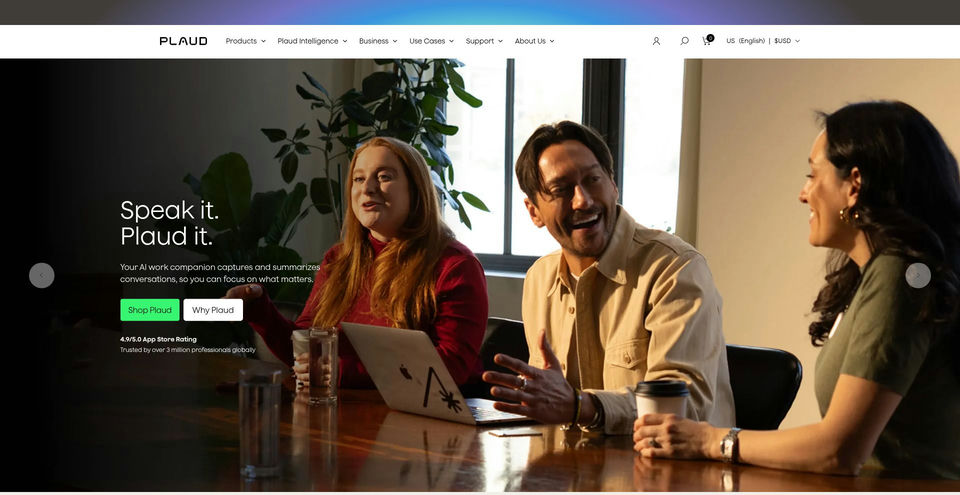
Product Specifications
Official Resources & Portals
Top Alternatives to Plaud
Explore other leading solutions in Audio & Speech · Transcriber with verified rankings
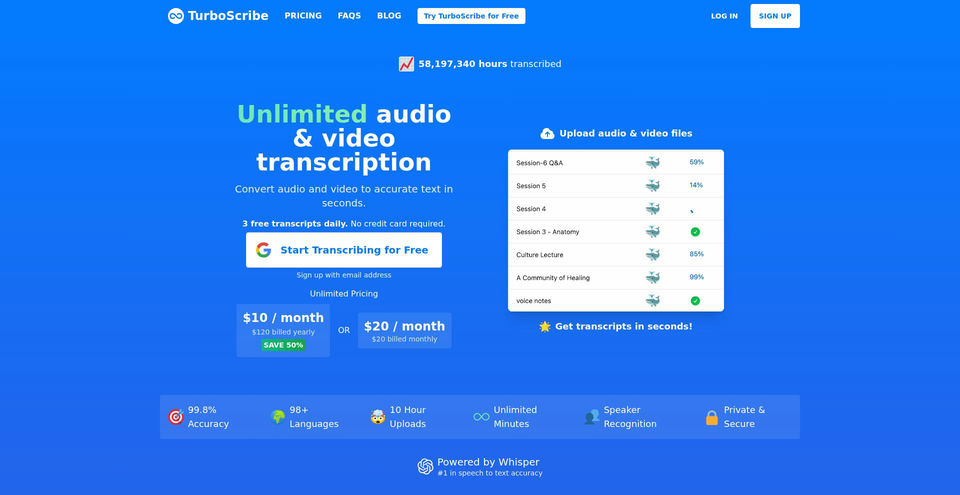

Transcribe audio and video, identify speakers, and translate transcripts in 98+ languages.