

Qwen
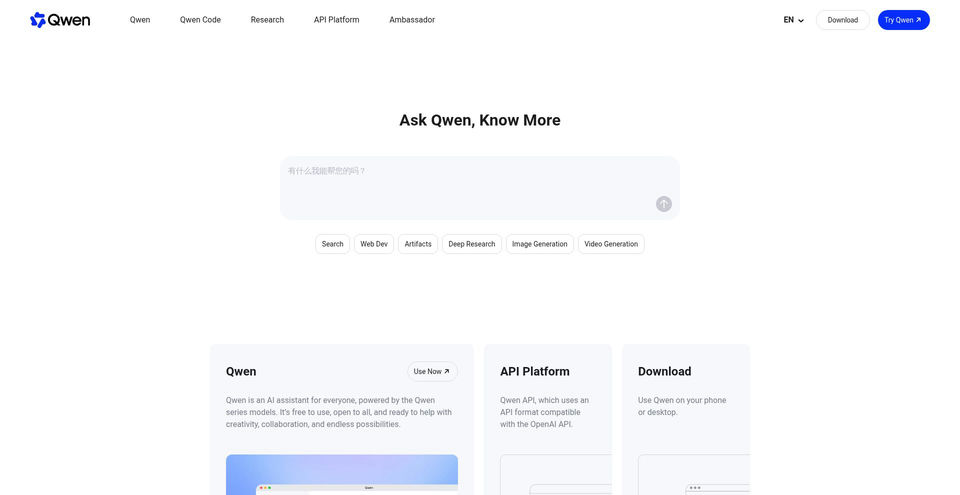
Qwen is a free multimodal AI assistant for search, research, image creation, and web development.
What is Qwen?
Qwen Key Capabilities & Highlights
How to use
- 1Open the Qwen web app and choose a tool such as Search, Deep Research, Web Dev, or Image Generation.
- 2Enter a question or describe the result you want; add relevant context or media when the selected tool supports it.
- 3Review the answer, research summary, webpage, or image and refine it with follow-up instructions.
- 4Sign in or register if the app prompts you to access a feature or save work.
Use cases and ideas
- Search the web and gather material for a topic or question.
- Prepare a multi-step research summary from information available online.
- Generate a webpage from a written product or design brief.
- Create or edit images by generating from scratch, transferring a style, or combining elements.
- Analyze text, images, audio, and video as part of multimodal tasks.
Limitations and things to know
- The official homepage says Qwen is free to use but does not show plan limits or a dedicated pricing page.
- The app displays Log in and Sign up controls; account requirements for basic chat were not verified.
- The homepage says Qwen can be used on a phone or desktop but does not identify specific operating systems in the reviewed content.
- Video Generation appears in the navigation, but the accompanying feature description was inconsistent; its exact capability was not treated as verified.
- Qwen API Platform is listed separately; API access and pricing are outside this consumer assistant listing.
Frequently Asked Questions about Qwen
Qwen is an AI assistant powered by Qwen-series models, available through the Qwen web app.
The official homepage says Qwen is free to use. It does not list specific usage limits or a paid plan price.
Yes. Search is listed as a Qwen feature for finding answers, resources, and information across the web.
Qwen describes Deep Research as an agent that performs multi-step searches and produces analytical summaries for complex tasks.
Yes. Qwen VLo is described as generating images from scratch, modifying images, transferring styles, and combining elements.
The Web Dev feature says it can create a webpage from a natural-language prompt and provide code.
The homepage says Qwen can be used on a phone or desktop. Specific operating systems were not identified in the reviewed pages.
Product Specifications
Top Alternatives to Qwen
Explore other leading solutions in Chat & Conversation · AI Chatbot with verified rankings


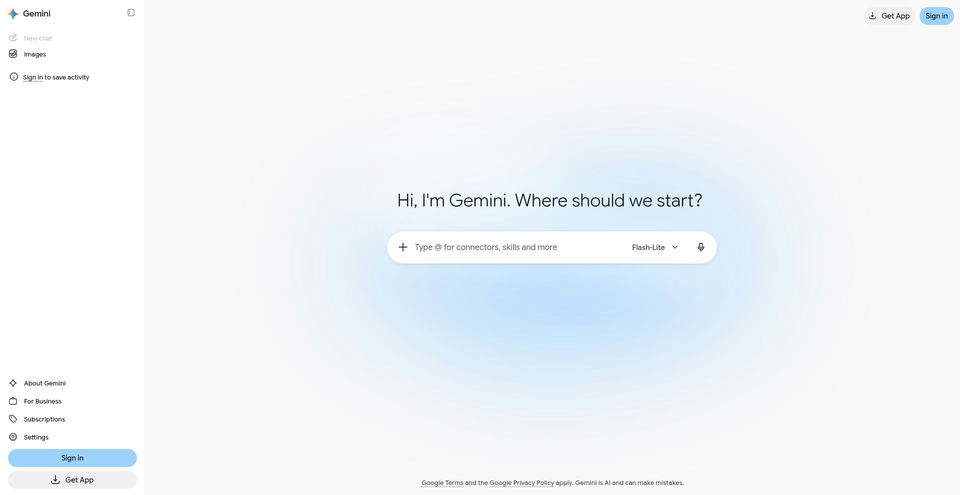

Google’s AI assistant can help with writing, planning, brainstorming, and analyzing uploaded files.
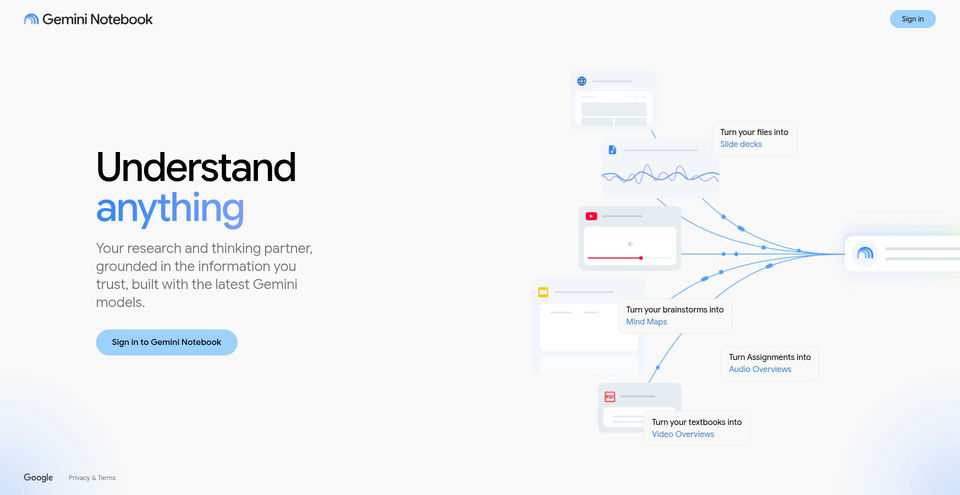

Research and learn from your own sources with an AI notebook that answers with inline citations.
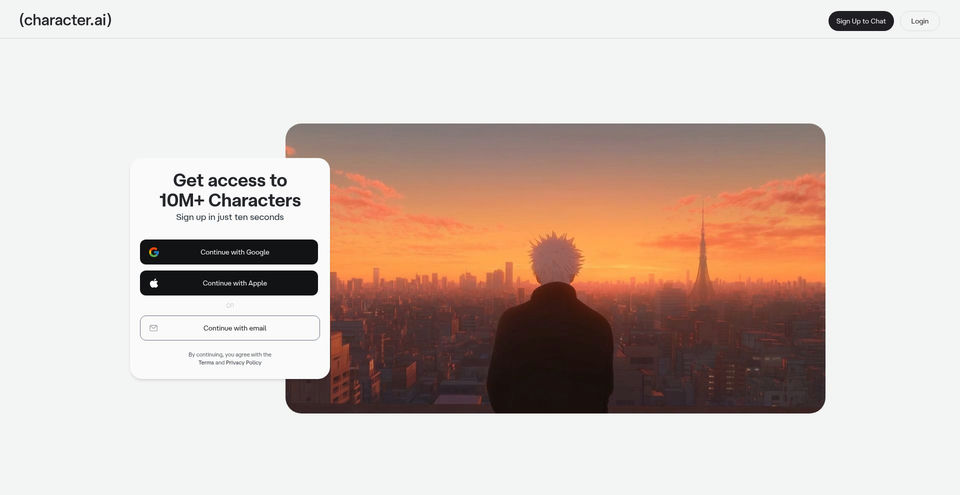

Create, discover, and chat with AI characters for stories, roleplay, and voice conversations.