VEED
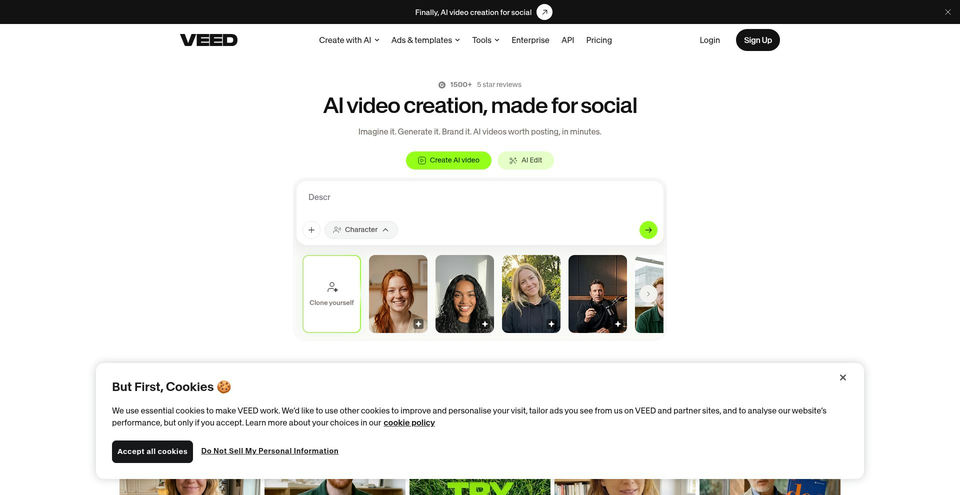
Create, edit, subtitle, translate, and dub videos in an online AI-powered studio.
What is VEED?
VEED Key Capabilities & Highlights
How to use
- 1Open the VEED editor and create a project or upload a video.
- 2Use Auto Subtitle to transcribe speech and generate captions.
- 3Adjust subtitle wording, style, font, colors, animation, or word highlighting.
- 4Use other editing, AI generation, voice, dubbing, or translation tools as needed.
- 5Export the video with embedded subtitles or download subtitle files in a supported format.
Use cases and ideas
- Add captions to social and marketing videos
- Translate and dub videos for multilingual audiences
- Create branded video ads and promotional content
- Generate videos from ideas using AI tools
- Edit interviews, meetings, and other spoken-word recordings
Limitations and things to know
- Creator is listed at US$12/user/month and Pro at US$22/user/month when billed yearly; both include monthly AI credits rather than unlimited generation.
- Creator includes 6,000 credits and Pro 18,000 credits; credit use varies by AI feature.
- Enterprise pricing is custom and includes custom AI credits and organization controls.
- The current pricing page shows annual prices; monthly-billing amounts were not verified in this capture.
- Native mobile apps and desktop applications were not verified; the confirmed editor is web-based.
Frequently Asked Questions about VEED
Yes. Use Auto Subtitle to transcribe speech and generate captions, then style them and export with subtitles embedded.
VEED subtitle exports include SRT, VTT, and TXT formats.
The Pro plan lists translation into more than 50 languages; other availability can depend on the plan and feature.
The annual pricing page lists Creator at US$12/user/month, Pro at US$22/user/month, and custom Enterprise pricing.
The pricing page lists 6,000 monthly credits for Creator and 18,000 for Pro. Enterprise uses custom credits.
Yes. The pricing page lists Gen-AI Studio access, alongside AI video and editing tools.
The pricing page offers a Start for free option, but the current capture did not expose a detailed free-plan allowance.