

Wayground
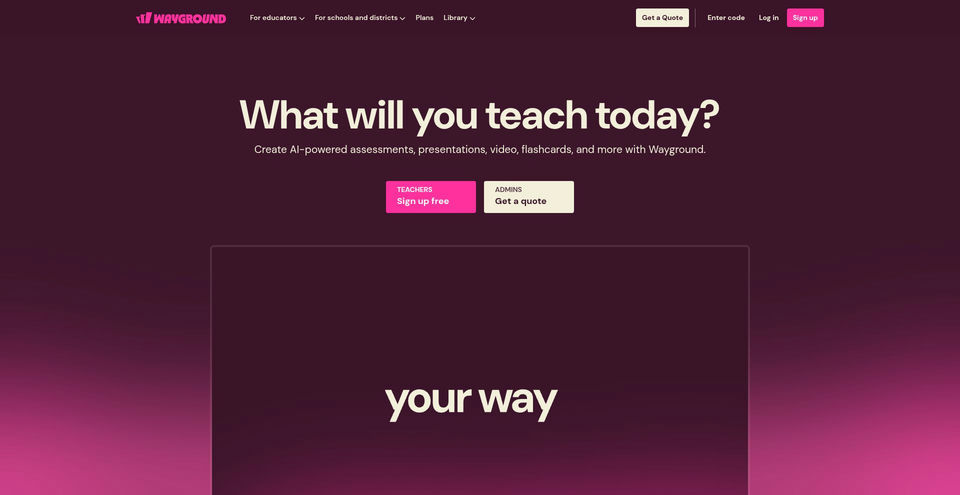
Create AI-powered assessments, presentations, videos, flashcards, and other classroom activities.
What is Wayground?
Wayground Key Capabilities & Highlights
How to use
- 1Create a teacher account or sign in, then open the activity or AI creation workflow.
- 2Choose a topic, document, standard, or upload; for lesson plans, provide grade, duration, topic or learning objective, and optional teaching preferences.
- 3Review and edit the generated material, then select a delivery mode such as live or student-paced.
- 4Share the session or assignment with students and review responses, reports, or standards data.
Use cases and ideas
- Create formative assessments and practice activities aligned with a lesson or standard.
- Turn source materials into presentations, interactive videos, flashcards, passages, or homework.
- Differentiate classroom materials with reading-level changes and learner accommodations.
- Review student responses and classroom progress to identify topics needing additional instruction.
- Coordinate common assessments, shared resources, and reporting across a school or district.
Limitations and things to know
- Wayground is an education and classroom platform; school and district functionality is designed for organizational use.
- The free Basic plan has limits, including limited question types and a 20-item activity storage cap shown in the plan comparison.
- School and district pricing is quote-based; the public plans page does not publish numeric prices.
- Some integrations, shared libraries, reporting, and AI grading features are reserved for paid organizational plans or add-ons.
- Feature availability and privacy requirements can depend on the user role, plan, school configuration, and applicable terms.
Frequently Asked Questions about Wayground
Wayground, formerly Quizizz, is an instructional platform for teachers and schools to create and deliver assessments, presentations, videos, flashcards, passages, and other learning activities.
The official site describes AI for generating and importing activities, adapting materials, adding questions, and explaining answers. Its lesson-plan generator asks for grade, duration, topic or objective, and optional teaching preferences or accommodations.
Yes. The Basic teacher plan is listed as free and includes core activities, limited question types and storage, AI features, and 20+ accommodations. School and district plans require a quote.
The public plans page provides a request-a-quote path for School and District plans; it does not list a numeric price.
Wayground is available on the web. Its official support center also lists Wayground for Windows, Android, and iOS.
The School and District plan comparison lists integrations including Canvas, Schoology, Clever, and ClassLink; some integrations and administrative features are plan-dependent.
Wayground’s Privacy Center says it supports FERPA and COPPA commitments and offers controls for data visibility and deletion. Review the current policy and school or district terms for details.
The Terms of Service say the service is for users of all ages and describe a limited feature set for children younger than 13. Schools and families should review the current terms and privacy requirements.
Product Specifications
Official Resources & Portals
Top Alternatives to Wayground
Explore other leading solutions in Lifestyle & Learning · AI Education Assistant with verified rankings


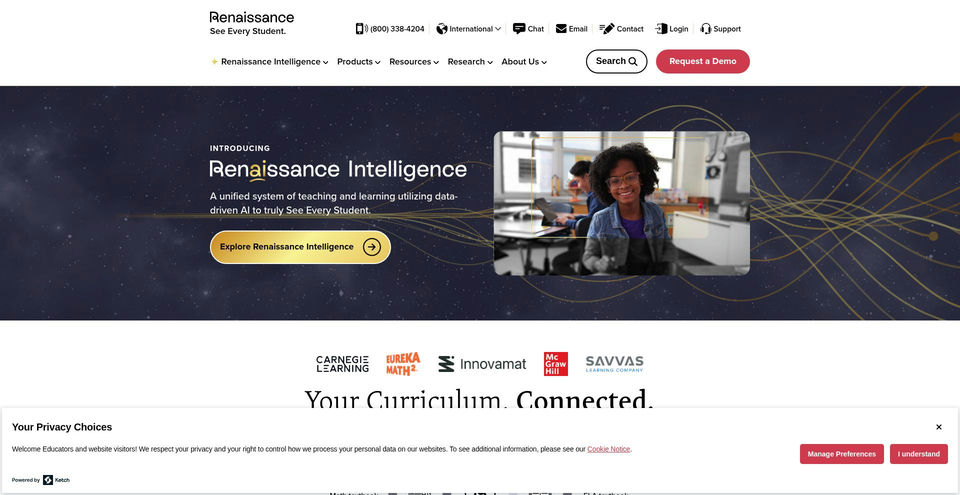

A K–12 learning intelligence system combining assessment, instruction, and adaptive practice.