Civitai
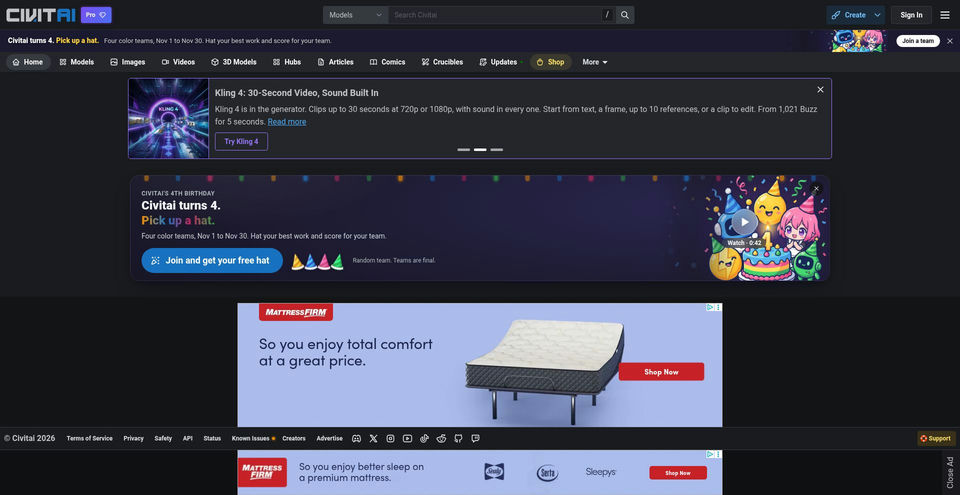
Discover generative AI models and create images or videos with Civitai’s web-based generator.
What is Civitai?
Civitai Key Capabilities & Highlights
How to use
- 1Sign in to a Civitai account and open the on-site Generator using the Create control.
- 2Choose an available generation model; add a LoRA or embedding when the model and resource support it.
- 3Enter an image prompt and optional negative prompt, then select the available generation settings and submit the job.
- 4For image-to-image, start from an uploaded or existing image; use Remix on a community image to prefill settings when available.
- 5Use a supported enhancement workflow such as face fix or upscale, or switch to the video generator and provide text or a starter image.
- 6Download or post generations you want to keep; the guide says unposted generated images are retained for 30 days.
Use cases and ideas
- Create AI artwork online without configuring Stable Diffusion or other generation software locally.
- Experiment with community models, LoRAs, and embeddings to explore different visual styles or concepts.
- Remix a community image as a starting point for a related image-generation workflow.
- Enhance or upscale generated images before downloading or sharing them.
- Generate short concept videos from a text prompt or a still image using supported video models.
Limitations and things to know
- Generation uses Buzz credits. Civitai's guides say users receive some free Buzz daily and can earn more through community activity; costs vary by model and settings and may change.
- The current Civitai pricing page presented a Cloudflare verification challenge, so current Pro subscription prices and Buzz purchase rates were not verified.
- Only models whose uploaders permit use in Civitai's hosted Generator are available for on-site inference; other model pages may offer downloads without an on-site Create option.
- The generator's Mature Content toggle reduces the chance of adult content but the guide says it does not block that content completely.
- Civitai's image-generator guide, updated March 14, 2025, says generations not posted to a Civitai profile are retained for 30 days; confirm current retention terms before relying on that period.
- Video-model choices, output settings, and Buzz costs vary by generation service; the guide says those costs can change.
Frequently Asked Questions about Civitai
Civitai is a community site for generative AI models and artwork, with a browser-based generator for using supported models to create images and videos.
No. Civitai's generator guide describes image generation as a web-based service processed by Civitai, including access from a phone browser.
Open the Generator, select an available model and optional LoRAs or embeddings, enter a prompt, adjust settings if needed, and submit the generation job.
No. The generator guide says an on-site Create option appears only for models whose uploaders allow use in Civitai's hosted Generator. Other models may be available to download for local use.
Yes. Civitai's video guide, updated April 1, 2026, describes text-to-video and image-to-video generation, with options depending on the selected video service.
Civitai's generator guide describes daily free Buzz and ways to earn more Buzz, while generation consumes Buzz based on the selected model and settings. Current subscription and purchase prices were not verified because the pricing page presented a verification challenge.
No. The generator guide says the toggle reduces the chance of adult content appearing but does not block it completely.
Product Specifications
Official Resources & Portals
Top Alternatives to Civitai
Explore other leading solutions in AI Image Generator with verified rankings