

Kapwing
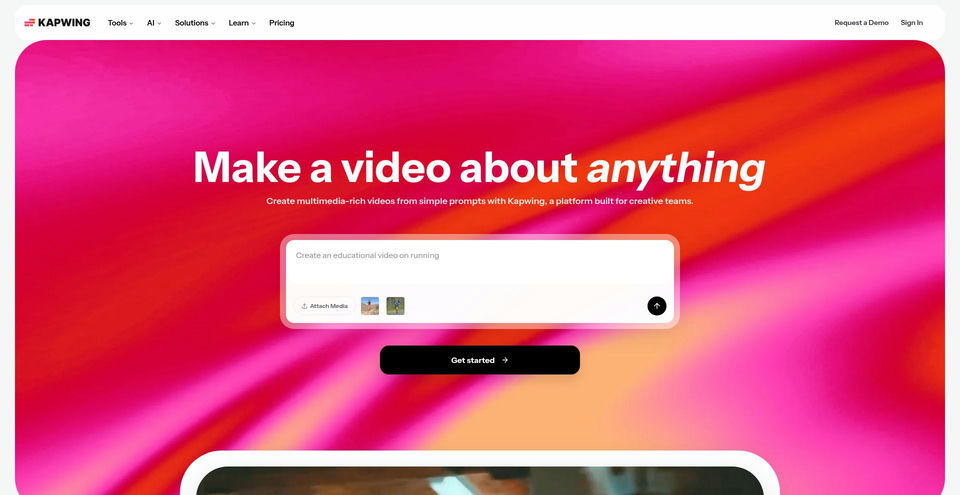
Create and edit video, image, and audio content in your browser.
What is Kapwing?
Kapwing Key Capabilities & Highlights
How to use
- 1Start a project in the browser editor or choose a specific tool such as subtitles, video generation, or audio cleanup.
- 2Upload or add video, images, and audio; arrange media and effects on the timeline.
- 3Use AI features to generate or edit content, create captions, transcribe, translate, or dub as needed.
- 4Review the project, then export using the resolution and length available on your plan.
Use cases and ideas
- Create and edit social media videos, ads, and marketing content.
- Produce training, tutorial, and internal communication videos.
- Turn longer videos into short clips and resize them for different platforms.
- Add subtitles, translate or dub videos, and clean audio for accessibility and localization.
- Create prompt-based videos, images, and reusable AI characters.
Limitations and things to know
- Free includes 10 credits, 5 GB cloud storage, watermarked exports up to 4 minutes, and 720p video quality; credits support limited auto-subtitling and text-to-speech.
- Pro is $24/month monthly or shown as $16/month on annual billing; it includes 1,000 credits/month, 4K exports, projects up to 2 hours, and 200 GB storage.
- Business is $64/month monthly or shown as $50/month on annual billing; it includes 4,000 credits/month and 800 GB storage, plus custom voice clones and lip sync.
- Enterprise pricing and credit/storage allowances are customized.
- The captured service pages describe a browser-based editor; native mobile or desktop apps were not verified.
Frequently Asked Questions about Kapwing
Yes. The Free plan lists 10 credits, 5 GB storage, watermarked exports up to 4 minutes, and 720p quality.
Pro lists 1,000 credits/month and 200 GB storage; Business lists 4,000 credits/month and 800 GB storage, plus custom voice clones and lip sync.
The pricing page lists Pro at $24/month on monthly billing or $16/month on annual billing, with annual billing marked as 33% savings.
The pricing page lists Business at $64/month on monthly billing or $50/month on annual billing, with annual billing marked as 33% savings.
The Free plan says credits can be used for auto-subtitling and text-to-speech; paid plan credits also cover features such as dubbing and generative AI tools.
The pricing page lists 4K exports for Pro and Business; Free exports are listed at 720p and include a Kapwing watermark.
Product Specifications
Official Resources & Portals
Top Alternatives to Kapwing
Explore other leading solutions in Video · AI Video Editor with verified rankings

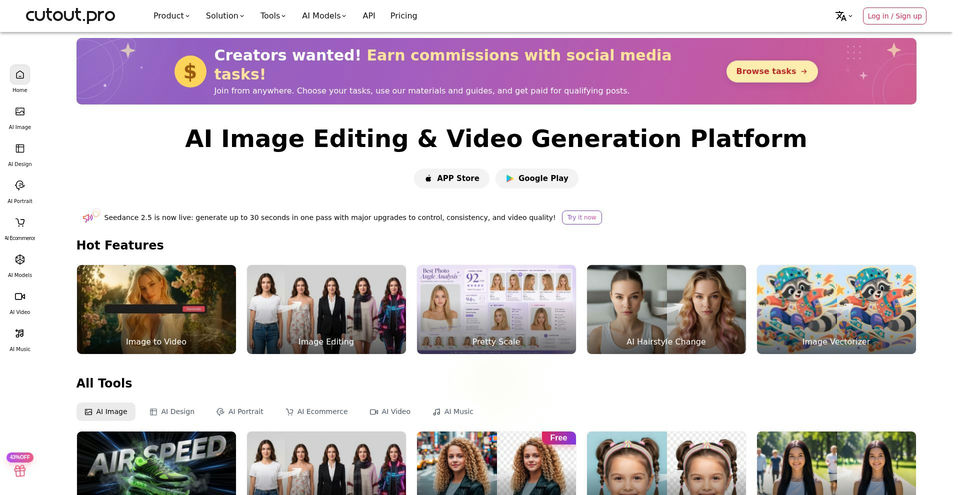

AI tools for editing, enhancing, generating, and animating images and videos.