

WrtN
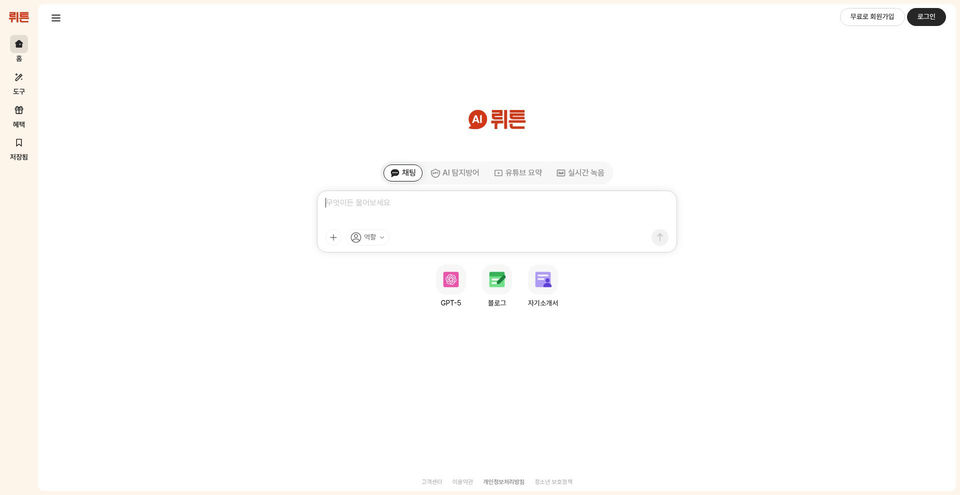
A Korean generative-AI assistant with chat and task-specific writing, summary, and study tools.
What is WrtN?
WrtN Key Capabilities & Highlights
How to use
- 1Open the web chat for general questions or select a tool from the Tools directory.
- 2Provide the source or inputs requested by the chosen tool, such as a YouTube link, document, topic, tone, or presentation file.
- 3Review and refine the generated result; the tool pages expose controls for submitting or regenerating content.
- 4Sign in to use task-specific tools, attach files, or save work; web chat alone can be used without login within the Help Center’s described limits.
Use cases and ideas
- Summarize long text, websites, documents, or YouTube videos for quicker review.
- Transcribe and summarize live meeting or lecture audio into notes.
- Draft blog posts, social updates, product reviews, marketing copy, or article outlines.
- Prepare presentation scripts, interview responses, or resume and application drafts.
- Get help with coding assignments or study materials.
Limitations and things to know
- The public service and tool catalog are primarily Korean-language; the reviewed pages did not establish broad interface-language support.
- The Help Center says anonymous web chat is limited to one chat room; tools, file attachments, and saved items require login.
- The live recording page states a maximum of 300 minutes per note.
- Some services may be paid under the Terms, but no general Wrtn subscription price was found on the reviewed public pages.
- The official privacy-policy route returned only a date during capture, so detailed data-retention claims were not verified.
- The Help Center says app users must sign in; the reviewed pages did not identify the app’s supported operating systems.
Frequently Asked Questions about WrtN
Wrtn (뤼튼) is a Korean generative-AI service combining chat with a directory of task-specific tools for writing, summaries, study, work, and other activities.
The catalog lists live audio transcription and summaries, YouTube/document/website/text summaries, social posts, article drafts, book reports, interview preparation, presentation scripts, blog and product copy, student-record writing, video scenarios, resumes, e-books, copywriting, and coding assistance.
The official Help Center says web visitors can chat without signing in, with unlimited chat in one chat room, copying, regenerating answers, and search conversations. File attachments, saving, and task-specific tools require login.
Wrtn advertises free sign-up and says its web chat is available without login. The Terms also define paid services; the public pages reviewed did not provide a general Wrtn subscription price. Check in-product pricing for any paid feature.
The public tool page offers a new note and a recording control, and says recordings can run for up to 300 minutes per note before automatic termination.
Choose a content type, enter a topic and preferred tone, optionally add an example sentence and key points, then request generated posts. The page says three posts can be generated free with one click.
The Help Center distinguishes the web service from the app and says app use requires login. The reviewed official pages did not specify app-store links or mobile operating systems.
Wrtn’s Help Center says users under 14 need guardian consent and identity verification; its terms also require a legal guardian’s consent for users under 14.
Product Specifications
Top Alternatives to WrtN
Explore other leading solutions in AI Writing Assistant with verified rankings
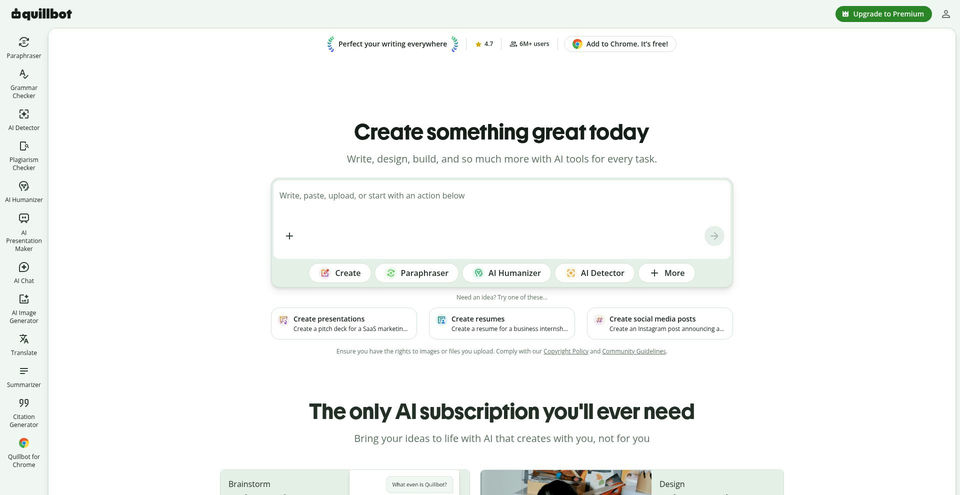

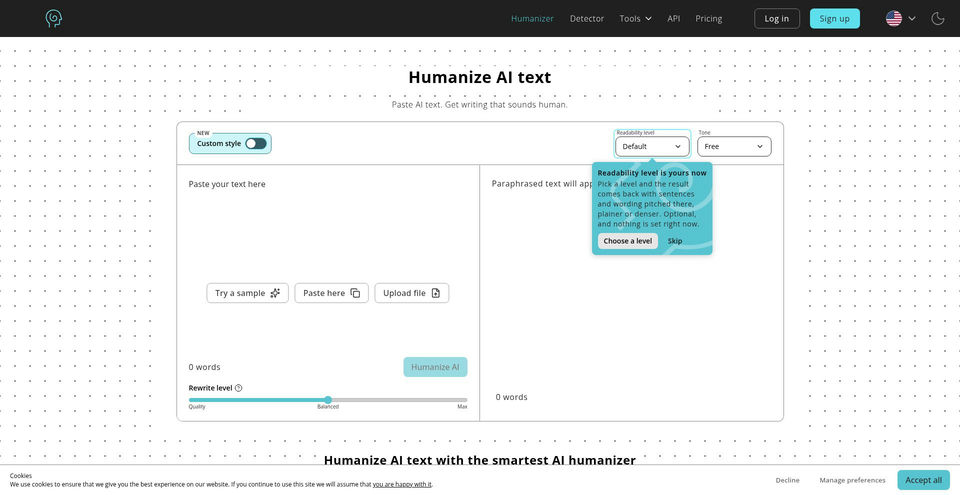

Rewrite drafts in selectable styles, adjust tone, and check text for AI indicators.